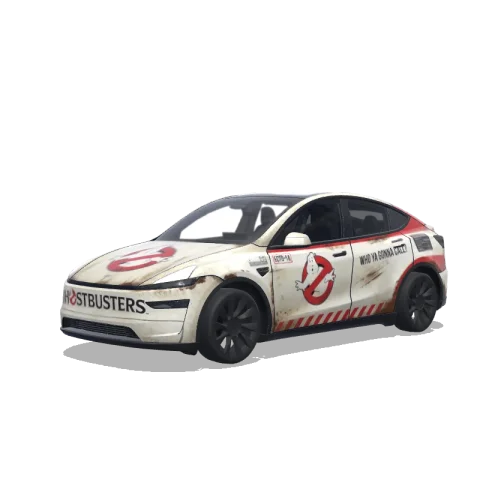
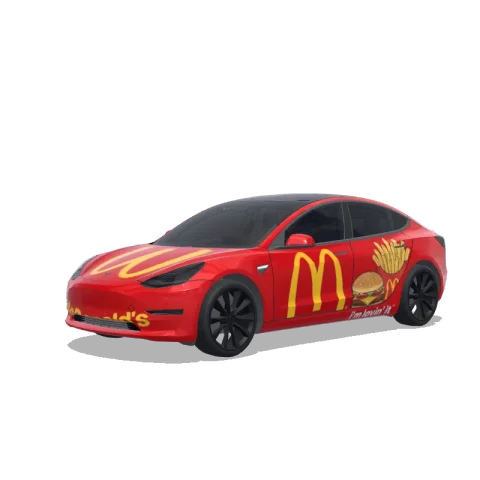
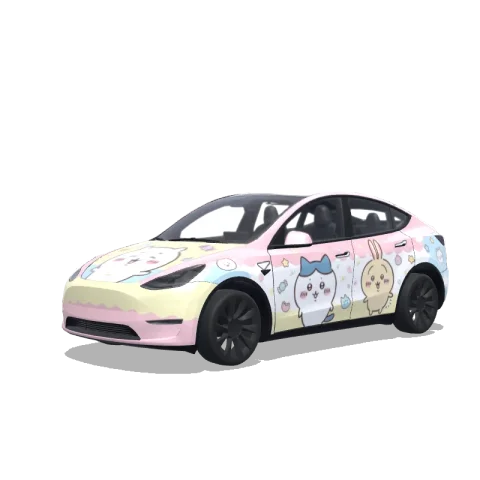
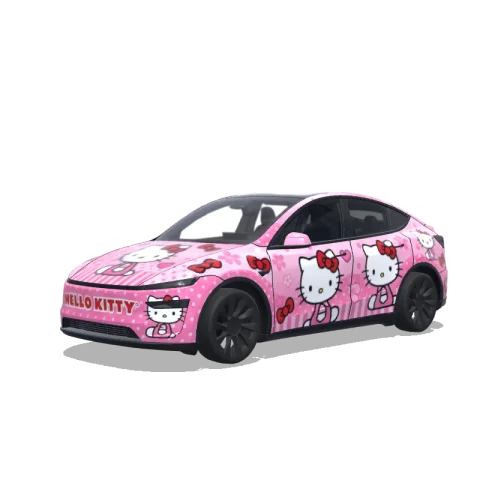
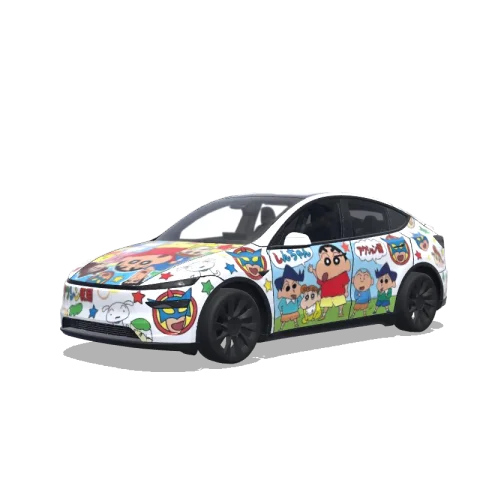
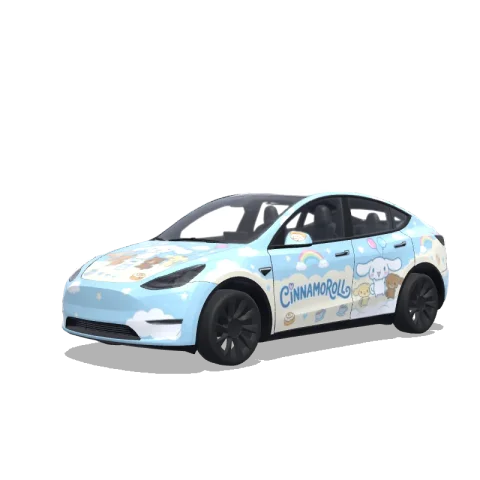
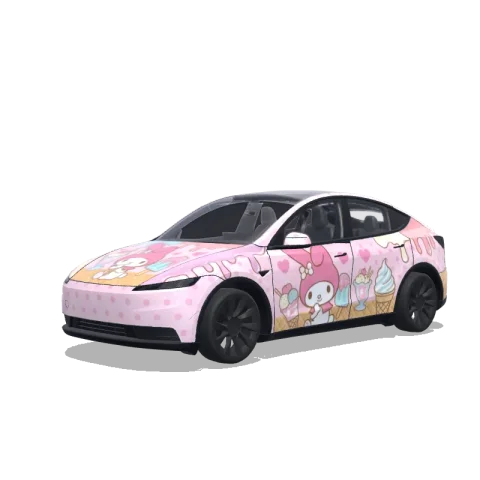
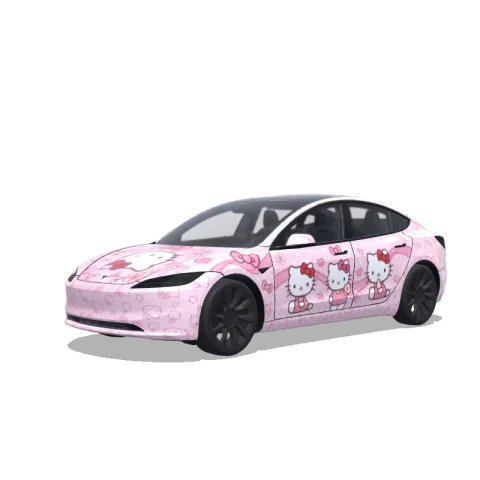
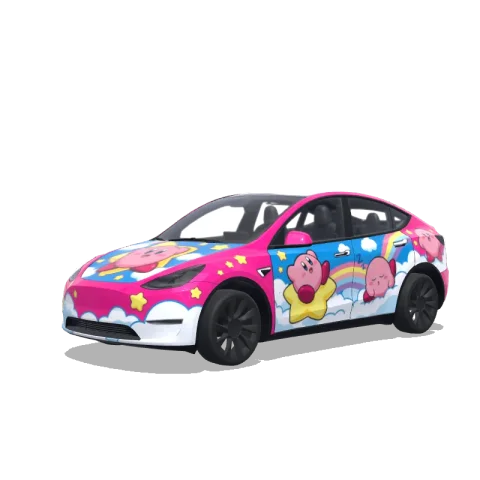
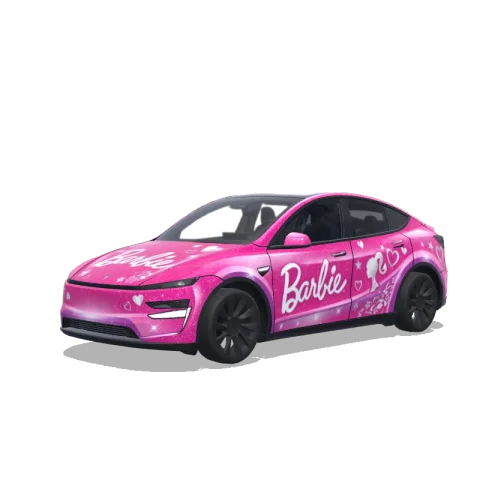
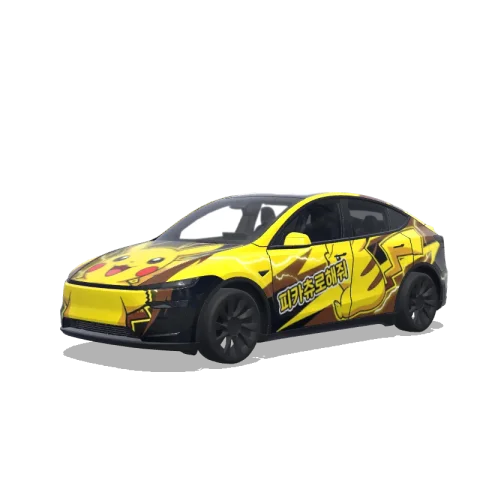
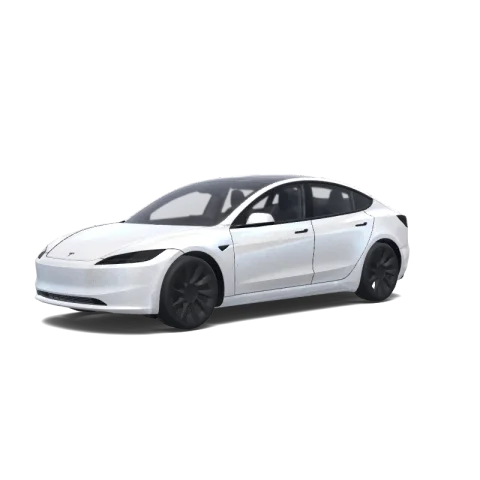
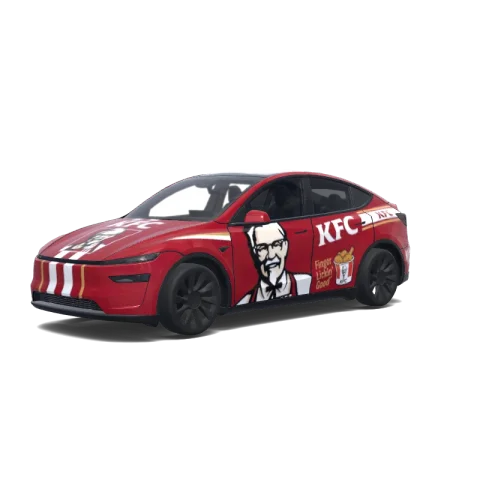
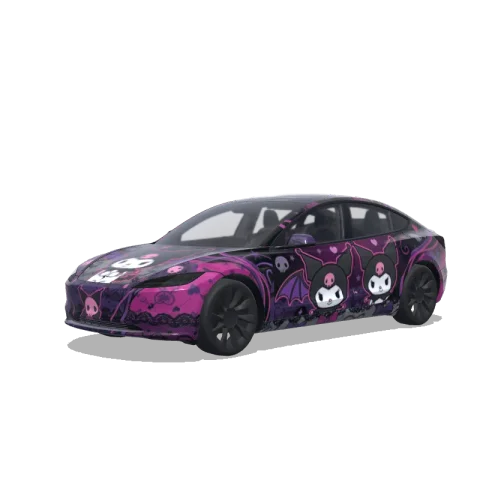
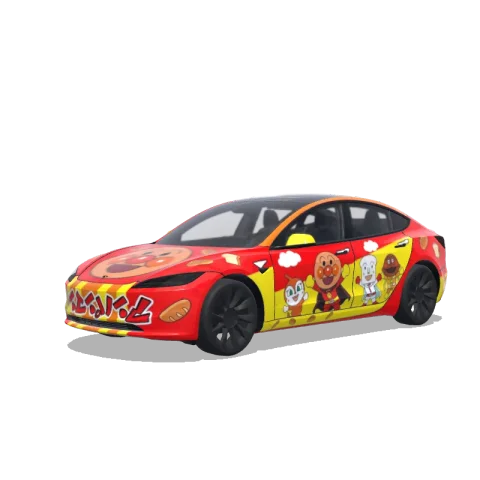
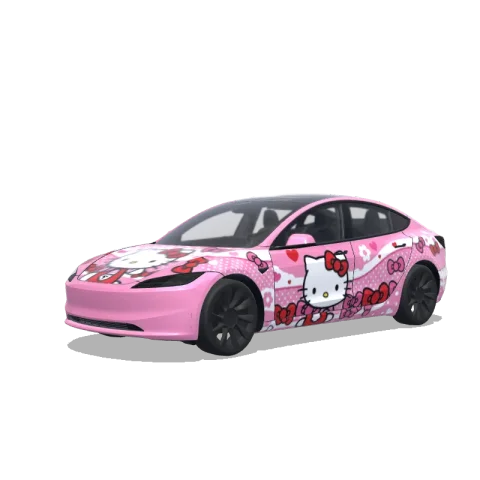
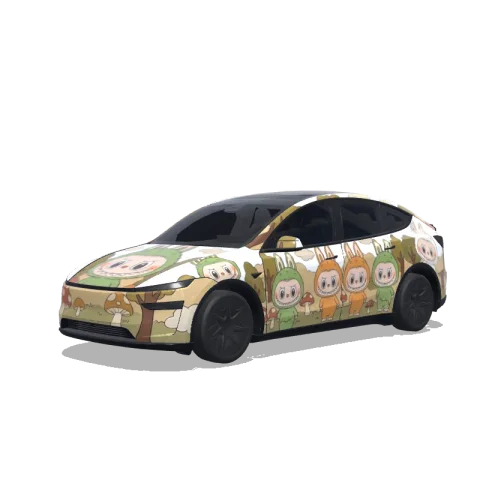
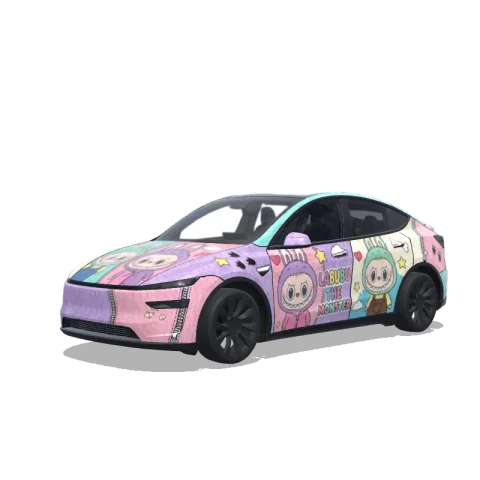
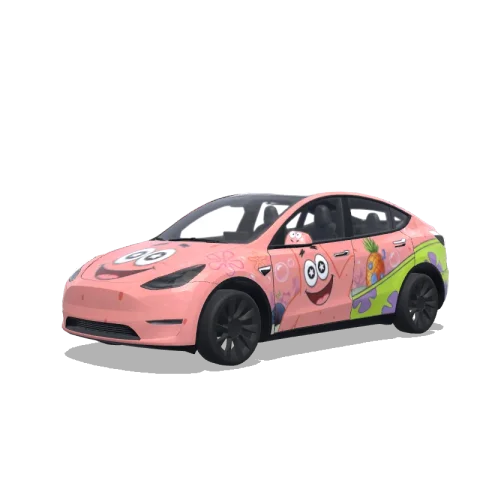
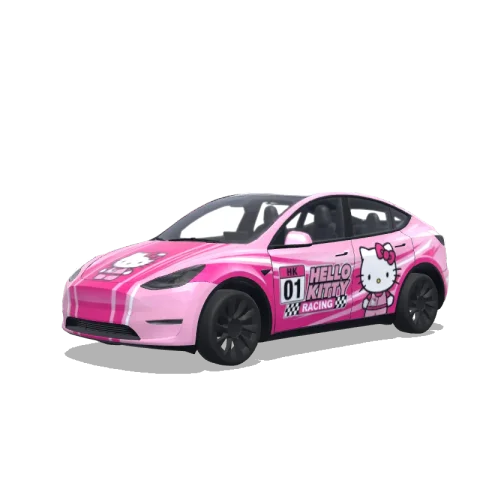
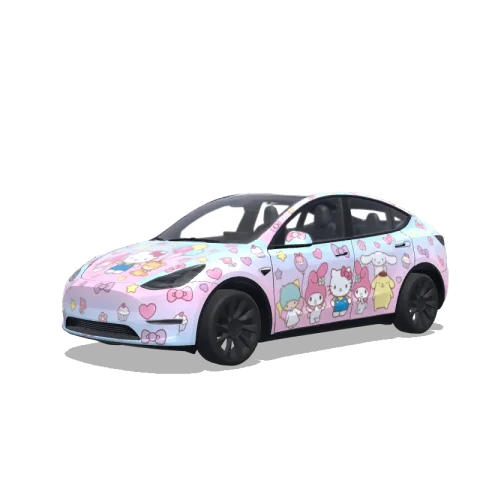
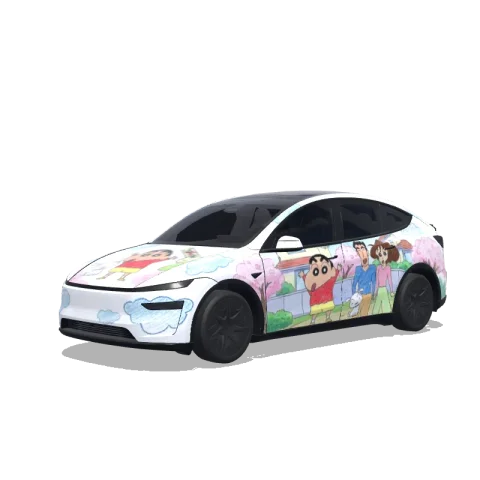
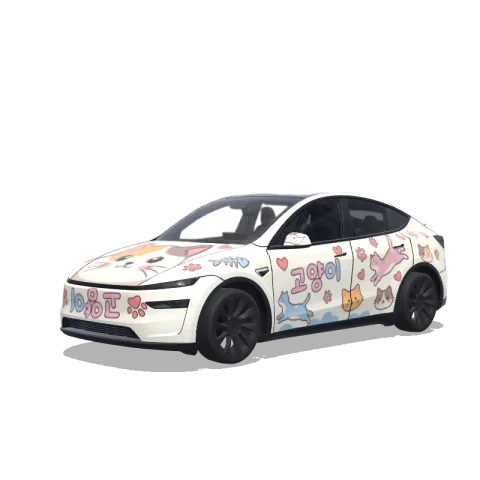
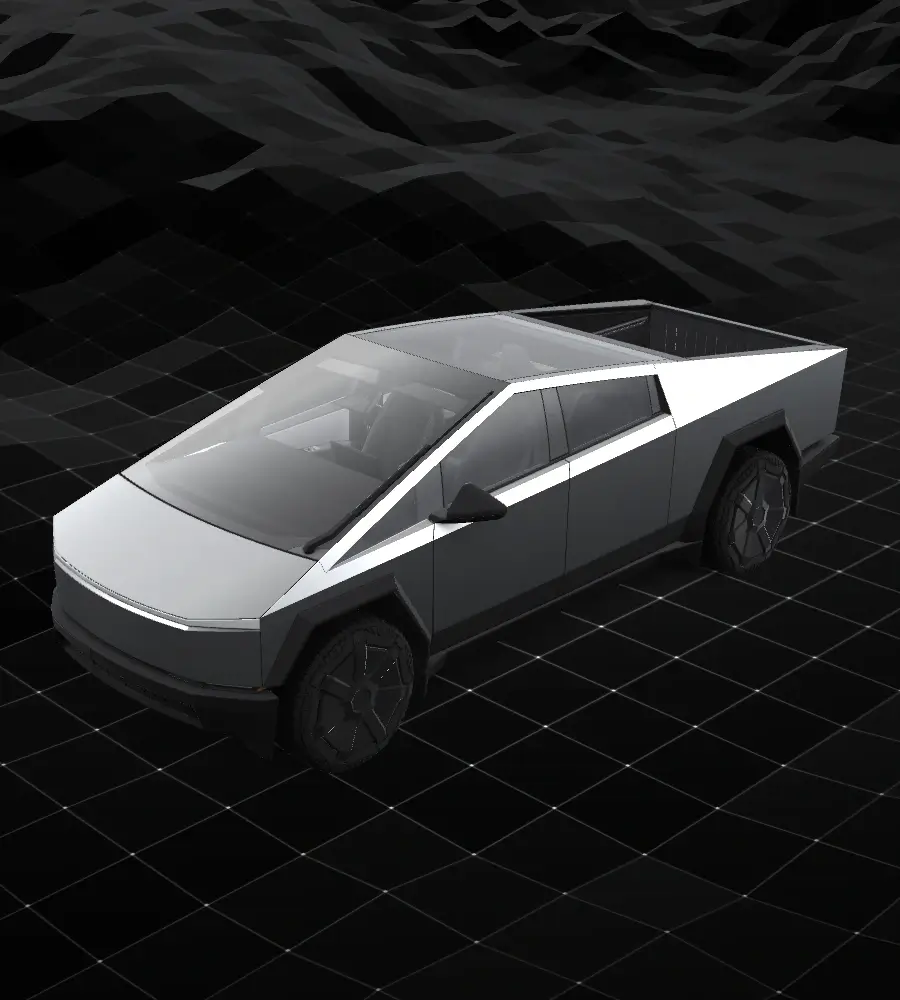
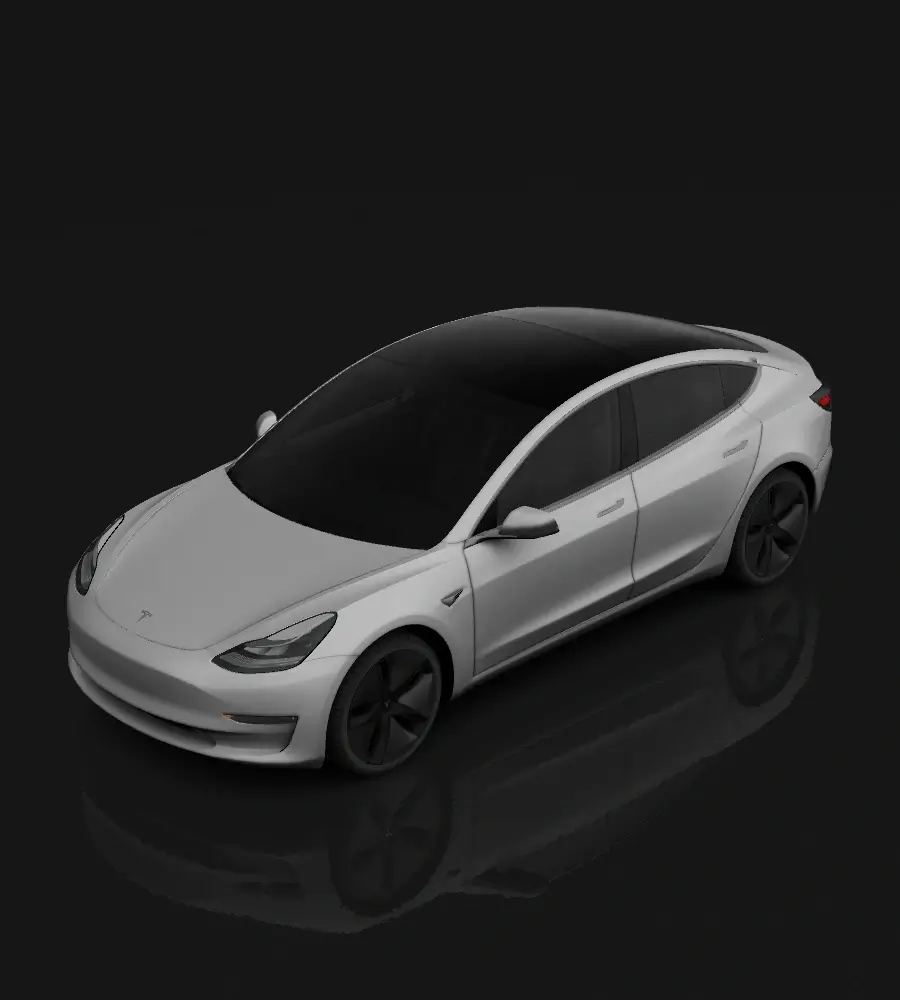
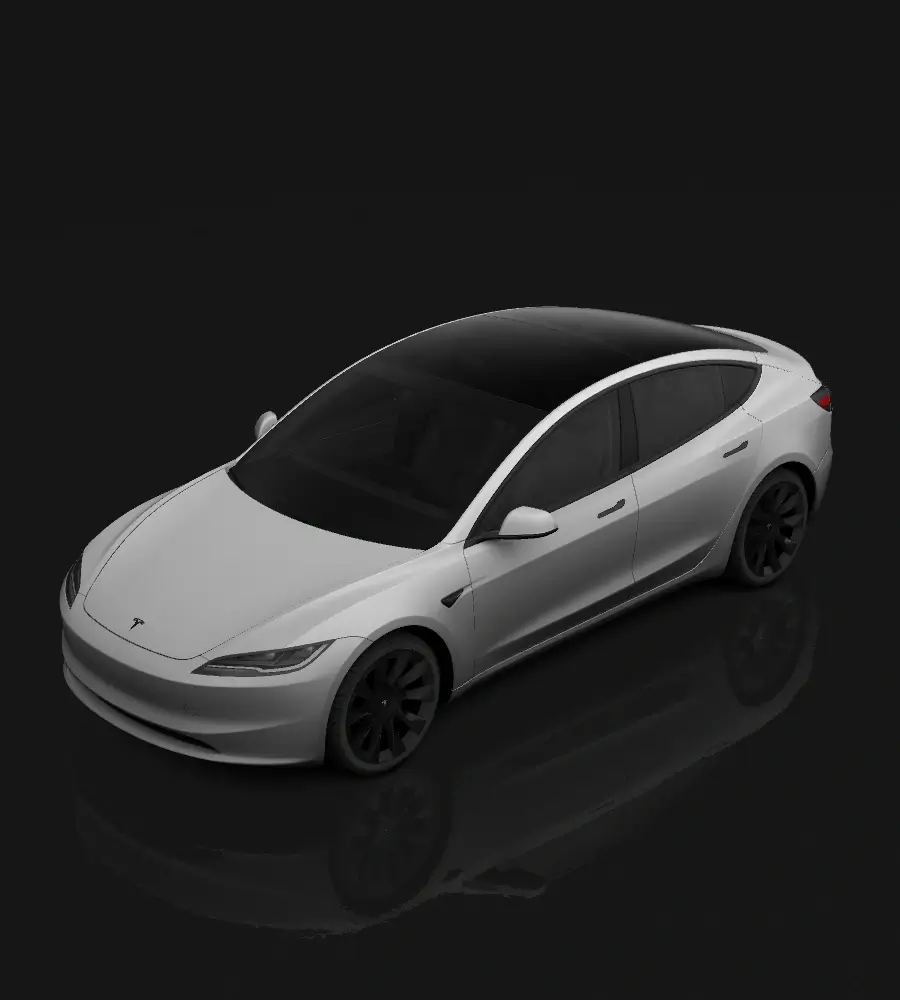
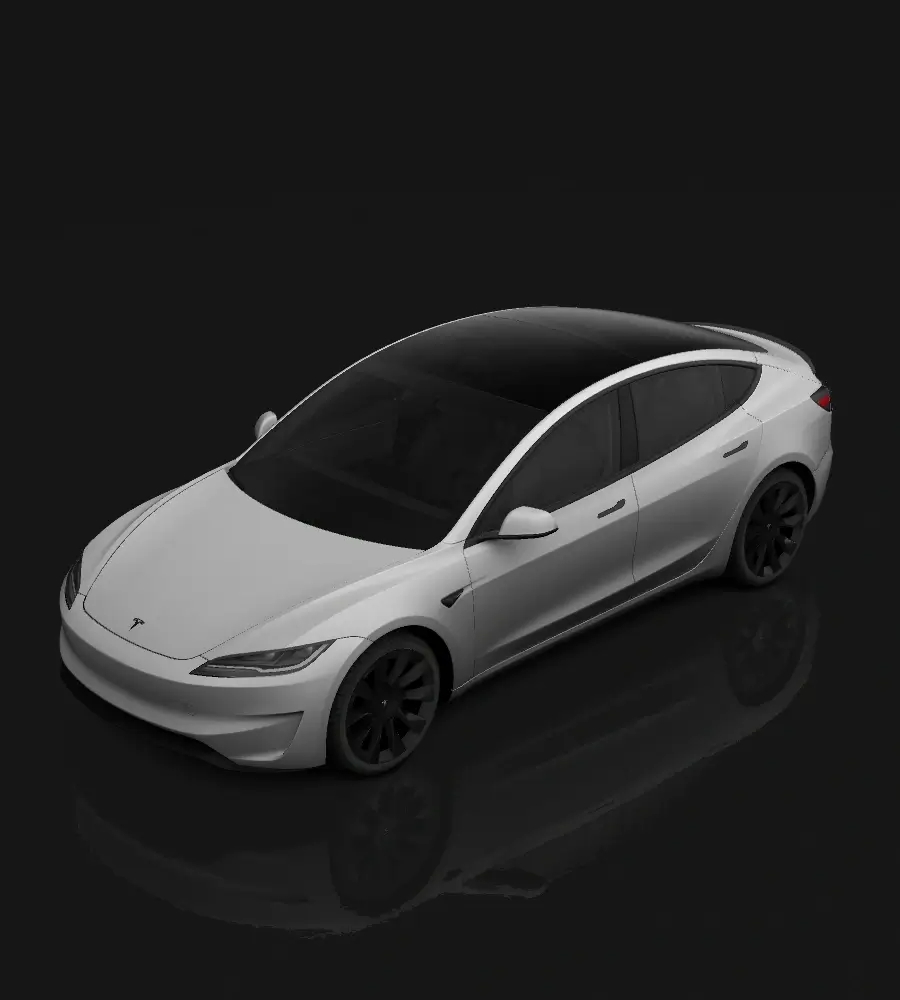
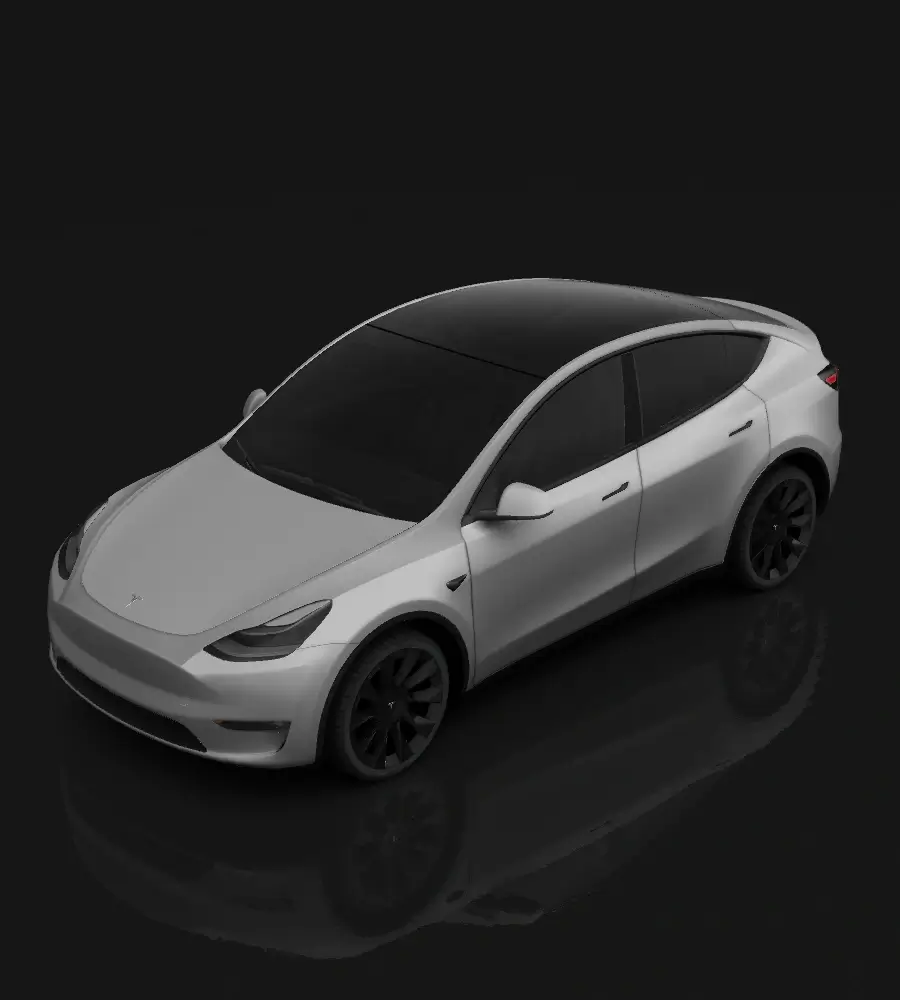
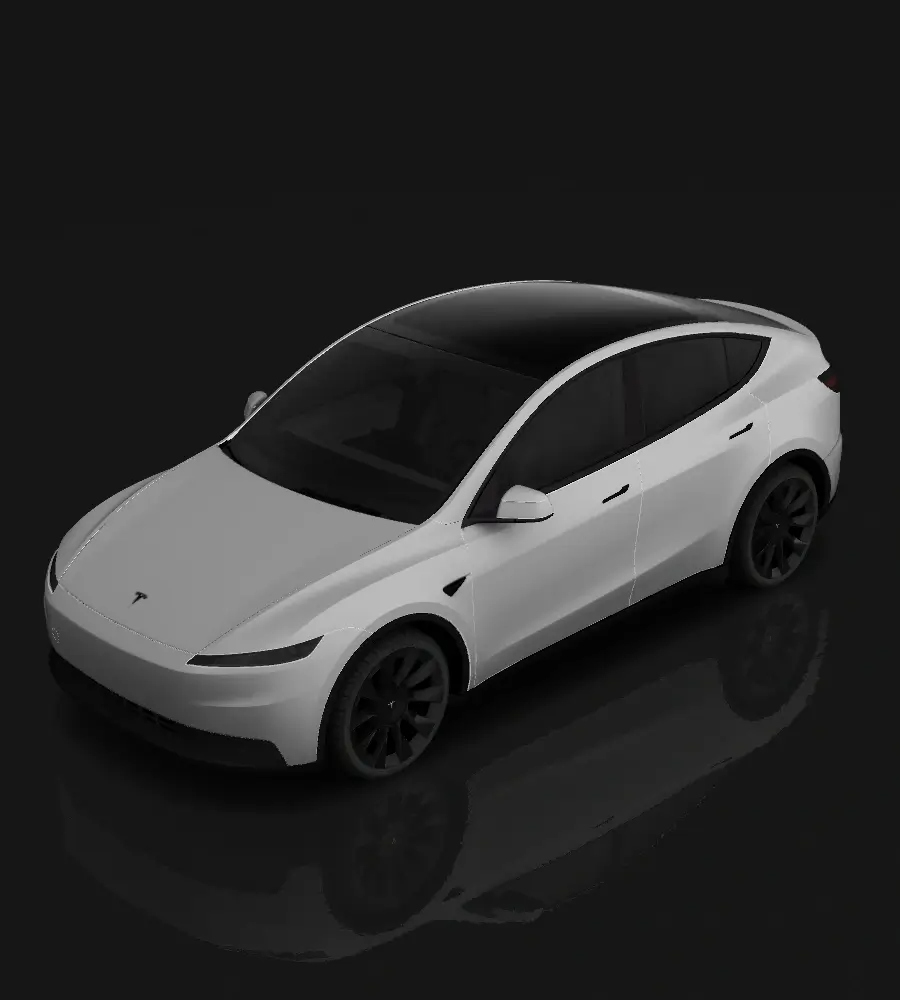
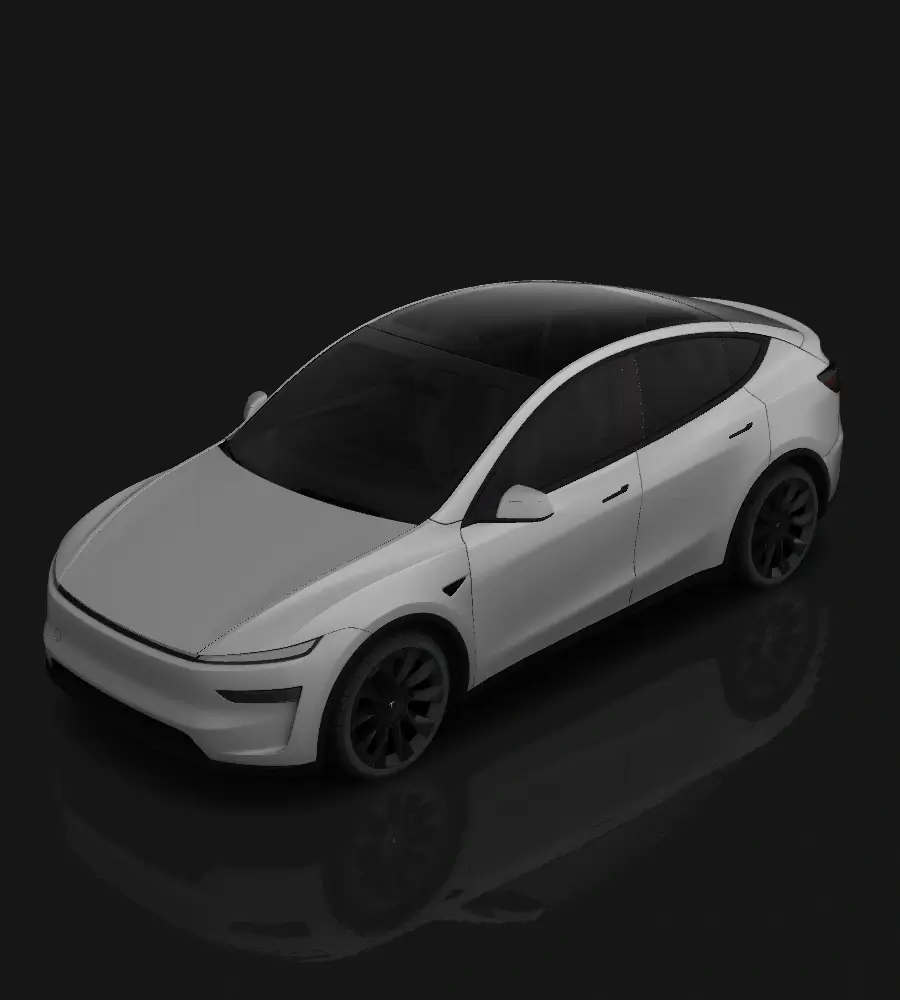
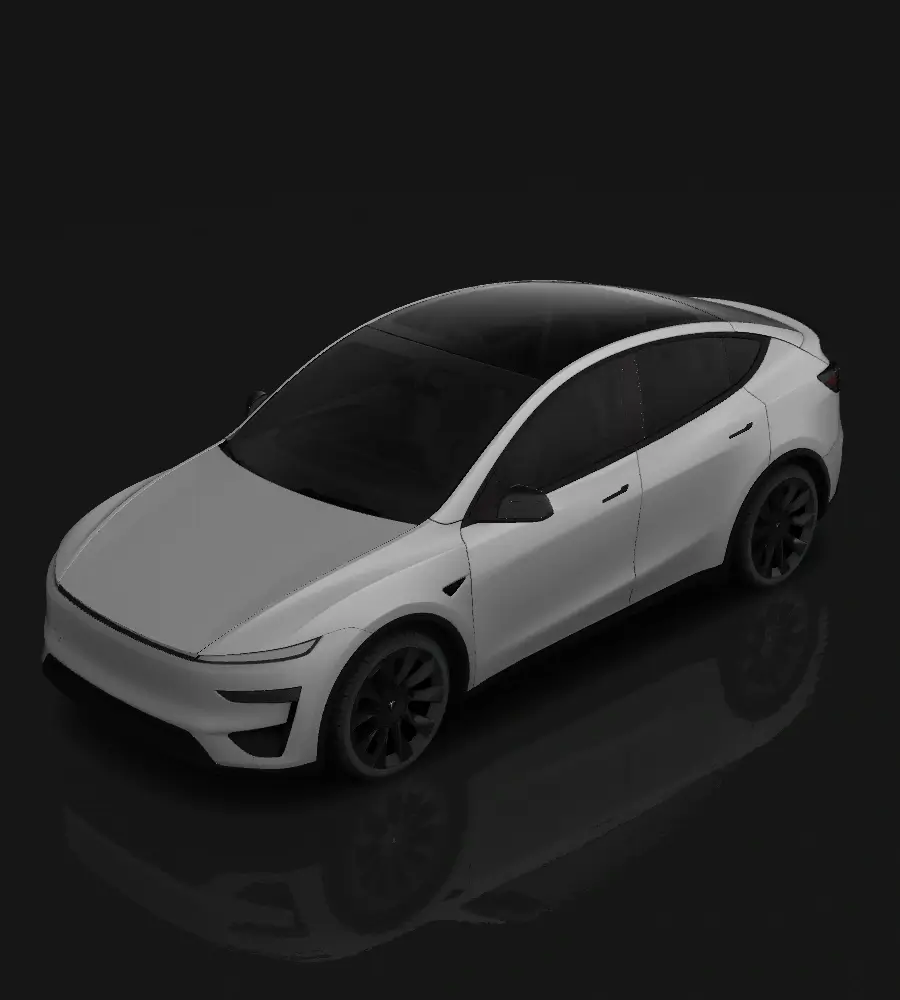
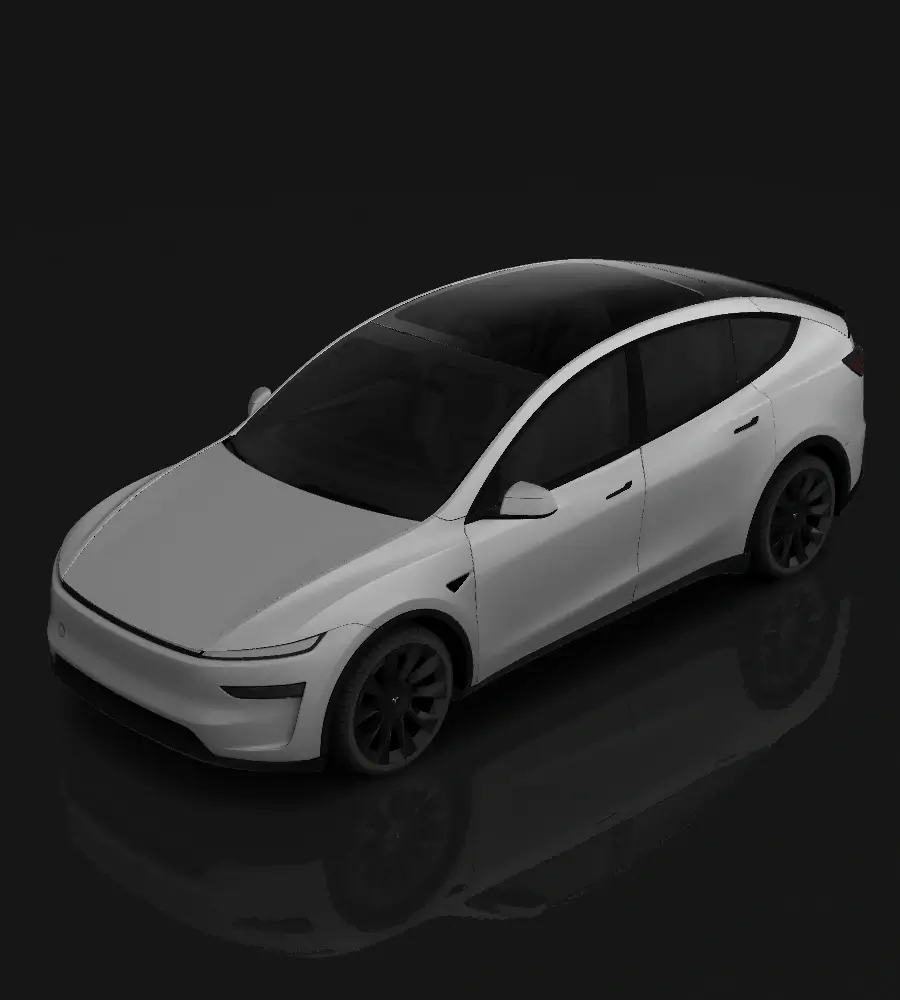
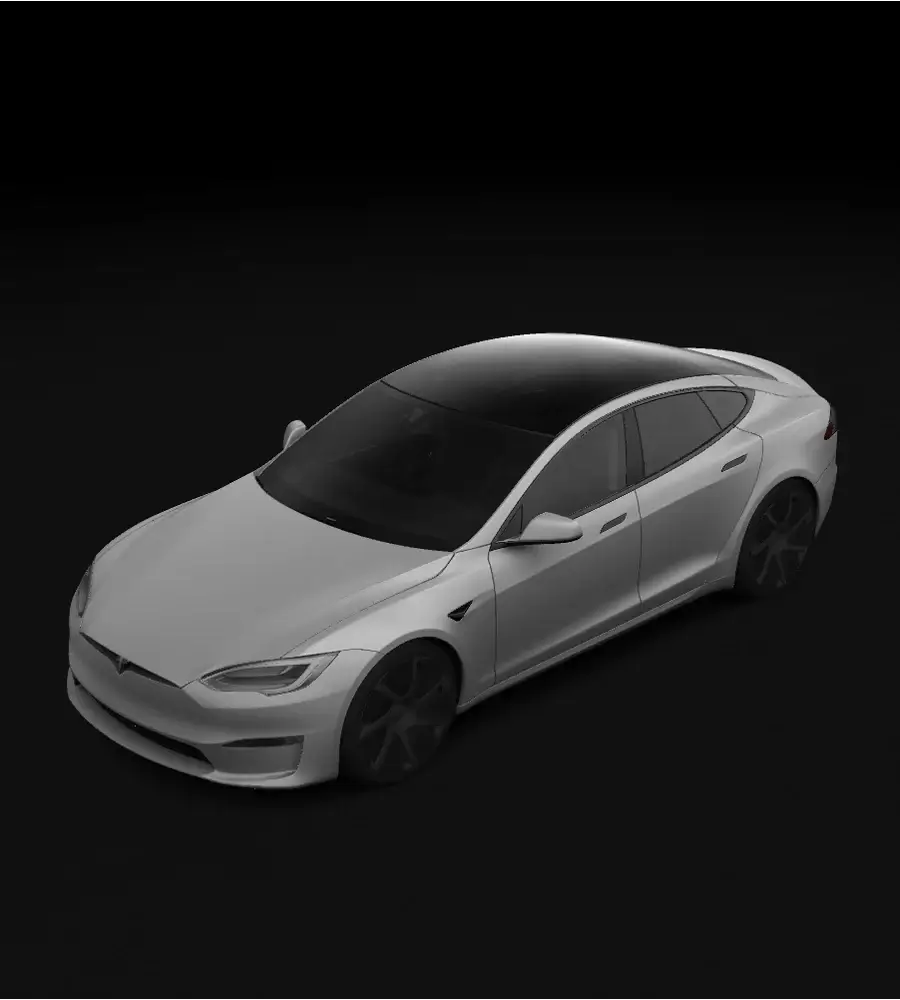
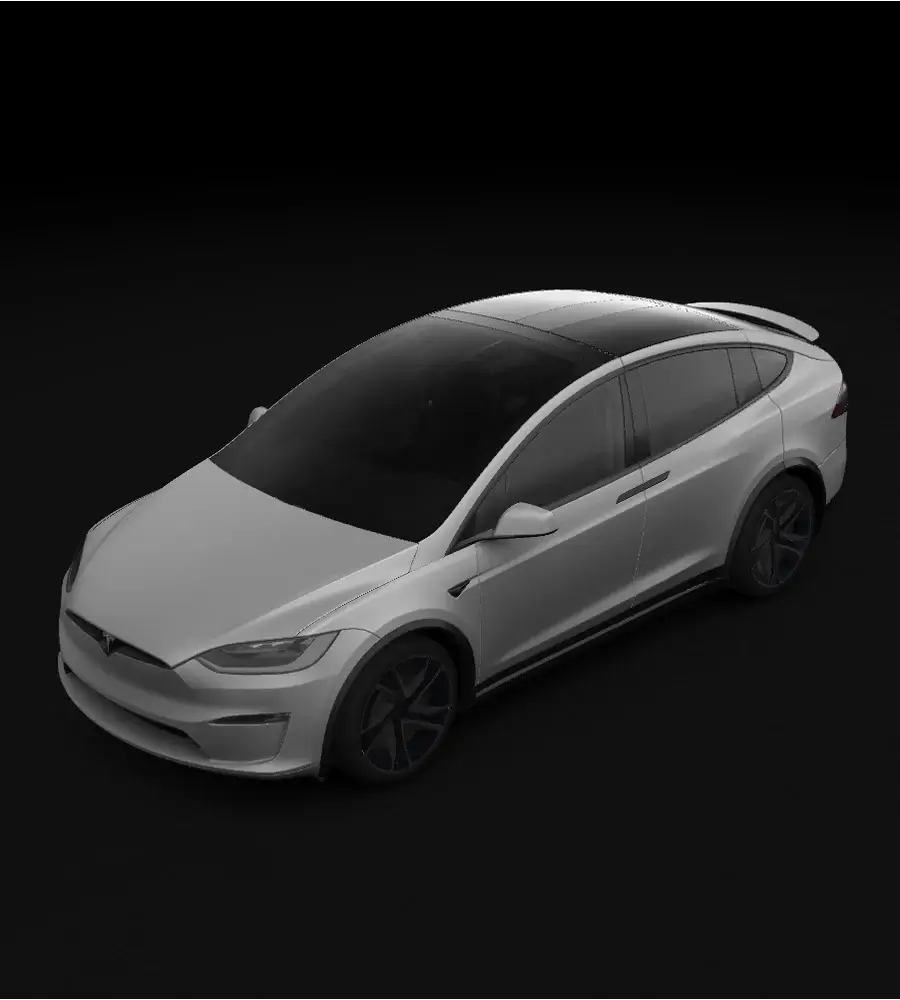
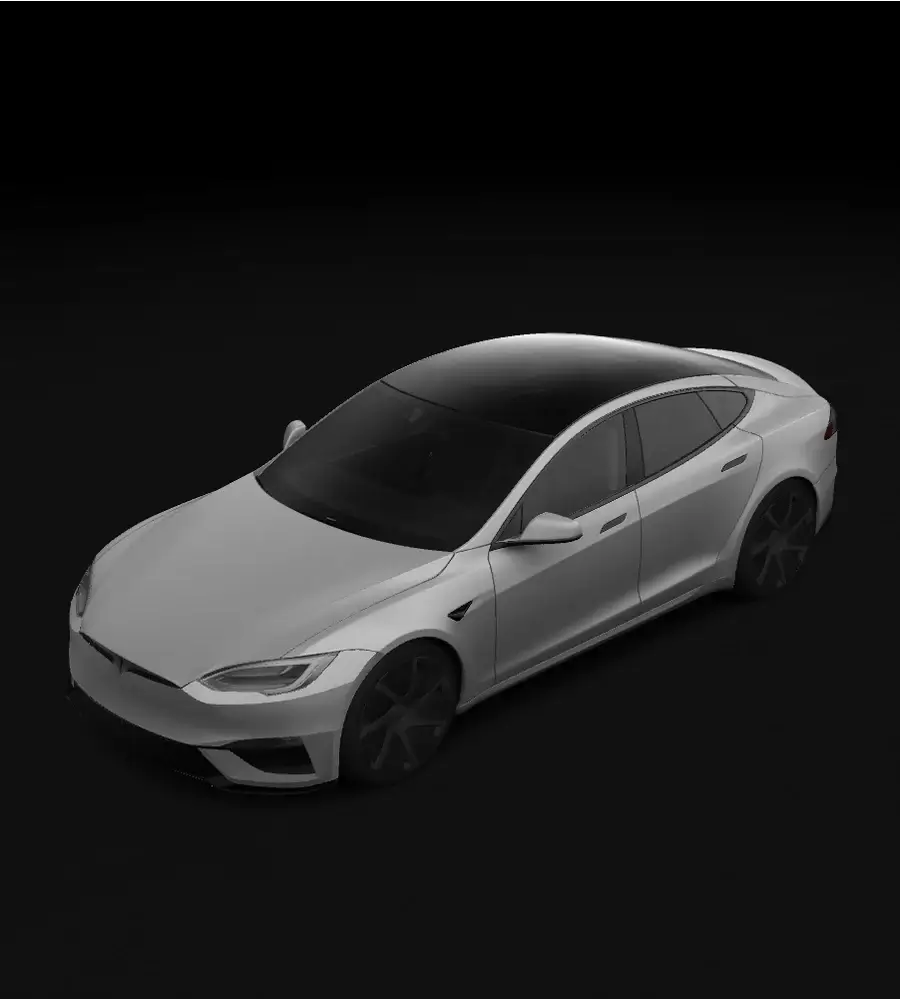
Digital wraps for your Tesla’s screen

Digital Tesla Wraps for Paint Shop

Download a design for your Tesla’s on-screen car, or make your own with the matching vehicle template. Preview it in 3D before exporting a PNG.

Editing, 3D previews and downloads are free. 20 free credits on sign-in, once per account. Claim 5 free credits manually each day.

Loading

Tesla Wrap Gallery

Not sure where to start? Browse community Tesla wraps, find colors and patterns you love, and take inspiration for your own look.

Give Your Screen a New Look with Tesla Wraps

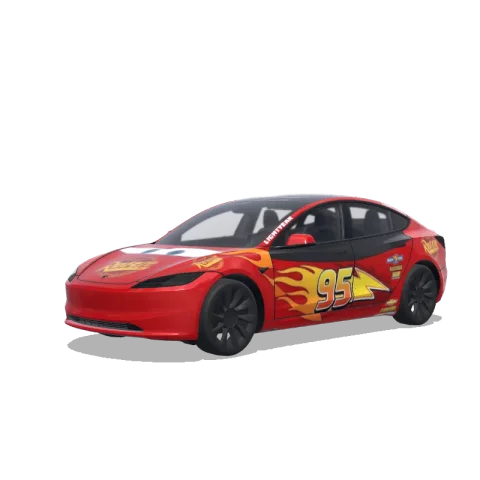
Custom digital wrap shown on a Tesla Paint Shop vehicle visualization

A Tesla Wrap You Can Make Your Own

Online

Create a Tesla Wrap Your Way

Add your favorite images, text and colors right in your browser. No extra design software to install.

Fit

Start with Your Tesla Model

Pick a Tesla wrap template for your model and see where each part of your design will go.

Crop

Keep Your Design on the Car

Your Tesla wrap artwork stays within the body panels, so you can focus on the look you want.

3D

See Your Tesla Wrap from Every Angle

Turn the 3D car and try different colors before you decide which look to keep.

Free

Try a Tesla Wrap for Free

Editing, 3D previews and downloads are free. 20 free credits on sign-in, once per account. Claim 5 free credits manually each day.

Save

Keep a Copy of Your Design

Download your Tesla wrap to keep a copy. Basic edits stay in your browser; AI and cloud saves send content to our services.

How to Create a Tesla Wrap

Take your Tesla wrap from an idea to a look you can enjoy on your car’s screen.

1

Choose Your Tesla

Pick your model, year and version to open the right Tesla wrap template.

2

Make It Your Own

Add a photo, text or colors you like. Need a starting point? Describe a Tesla wrap and use credits to let AI create an image.

3

Download Your Design

Save your Tesla wrap as a PNG image. Check the file size below before adding it to your car.

4

Add It to Your Tesla

Use the Tesla app or a USB drive to load your image, then choose it in Paint Shop on your touchscreen.

App & USB upload guide

Purchase Credits

Credits are used to generate AI-powered wrap designs for your Tesla. Each AI generation uses 10 credits. Credits never expire.

Free

Try 2 AI generations

$0

20 credits

  • 20 free credits on sign-in, once per account
  • Claim 5 free credits manually each day
  • Credits never expire
  • AI Wrap Generation (10 credits)
  • AI wrap generation from a reference image (10 credits)
  • Generated images saved to your library for editing

Try Pack

Try AI with a few design ideas

$4.90

100 credits

  • 10 AI generations
  • Credits never expire
  • AI Wrap Generation (10 credits)
  • AI wrap generation from a reference image (10 credits)
  • Generated images saved to your library for editing
View Credit Packs
Most Popular

Starter

Explore a few different looks

$9.90

200 credits+20 bonus

  • 22 AI generations
  • Credits never expire
  • AI Wrap Generation (10 credits)
  • AI wrap generation from a reference image (10 credits)
  • Generated images saved to your library for editing
View Credit Packs

Pro

More room to try new ideas

$19.90

500 credits+50 bonus

  • 55 AI generations
  • Credits never expire
  • AI Wrap Generation (10 credits)
  • AI wrap generation from a reference image (10 credits)
  • Generated images saved to your library for editing
View Credit Packs

Get Your Tesla Wrap Ready for Your Screen

Check these details before adding your Tesla wrap to the car. Your download may need compressing to meet the 1 MB limit.

OK
Resolution: 512x512 to 1024x1024 pixels
OK
Format: PNG
OK
File Size: Up to 1 MB; check after downloading
OK
USB Format: exFAT, FAT32, or ext4

Use Tesla app v4.59.0 or later: Creations → Wrap → Upload. For USB, put the PNG in a root folder named Wraps. Then open Toybox → Paint Shop → Wraps in your car.

Frequently Asked Questions

Will a digital Tesla wrap change my real car?

Digital Tesla wraps change only the car shown on your screen. Your real paint stays the same. Choose a model above to try a look.

Which Tesla wrap fits my model?

Use the model list above and match your car’s year and version. Model Y Juniper uses a Model Y (2025+) option. Your vehicle software must support custom wraps in Paint Shop.

How do I add digital Tesla wraps to my car?

Download your Tesla wrap image and follow the app or USB steps above. You’ll need Tesla app v4.59.0+ for app uploads. This website does not send files directly to your car.

Can I make a Tesla wrap for free?

Editing, 3D previews and downloads are free. 20 free credits on sign-in, once per account. Claim 5 free credits manually each day.

Is Tesla Wrap Pro an official Tesla service?

Tesla Wrap Pro is an independent gallery and design tool, not affiliated with Tesla, Inc. You can browse the gallery or choose your model to start a design.

Ready to Make Your Tesla Wrap Your Own?

Your favorite colors. Your own images. Tesla wraps that feel like you. Choose your model and start designing for free.
Start Your Tesla Wrap