
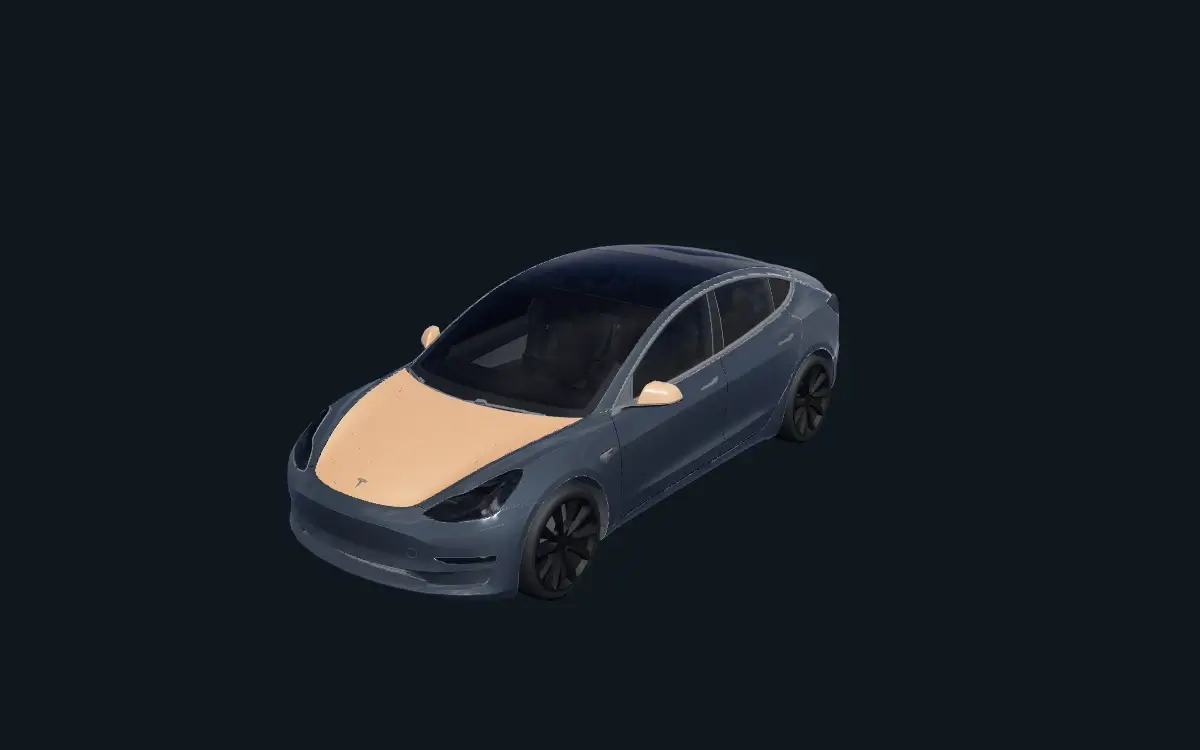
Copper Split
Copper Split brings a warm copper hood and mirrors to a charcoal Model 3.
View previews, download or edit
Browse digital designs for your Model 3’s on-screen car. The original Model 3 and the 2024+ refresh often called Highland use different template entries. The refresh also has a dedicated Performance option.
These PNGs change the vehicle visualization in supported Tesla software. They are not print-ready files for physical vinyl installation. Template availability does not guarantee support on your vehicle; check Paint Shop in your car.
Copper Split and Arctic Stripes were authored for the original Model 3 layout. They are not adapted for Model 3 (2024+) Standard & Premium or Performance. Start a new design in the matching editor for those variants.
Copper Split brings a warm copper hood and mirrors to a charcoal Model 3.
View previews, download or edit
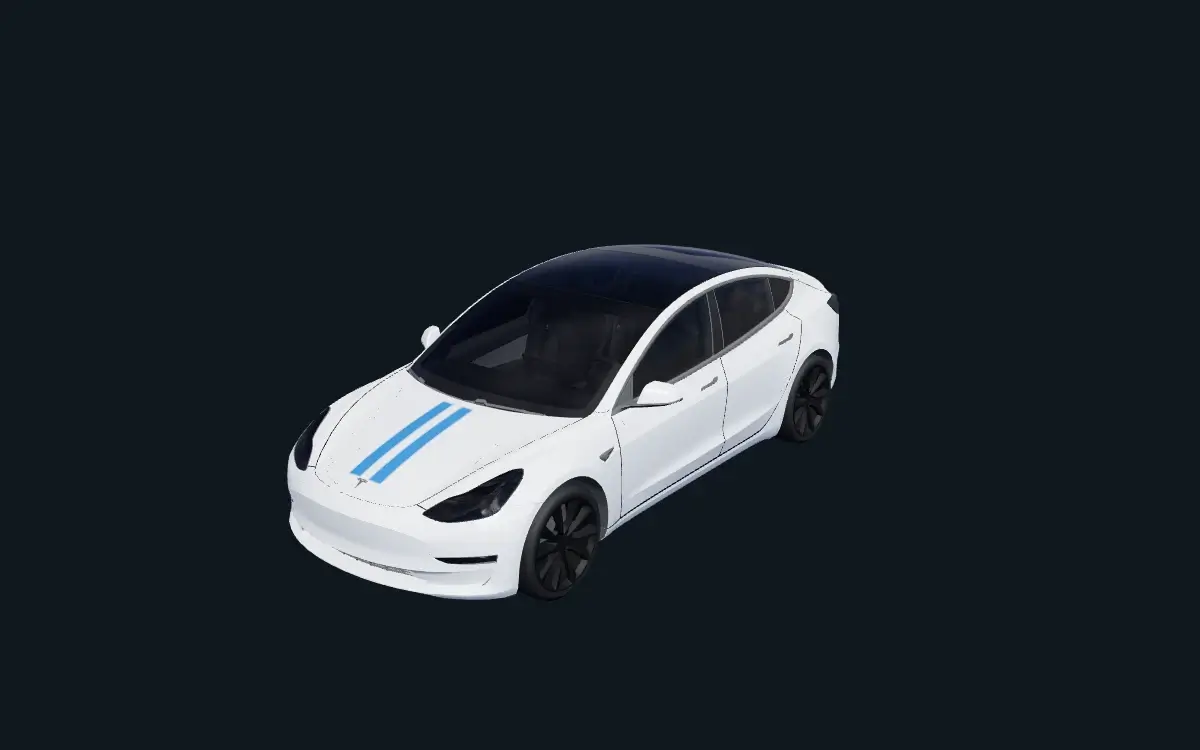
Arctic Stripes combines a pale-gray Model 3 with blue twin stripes on the hood and rear.
View previews, download or edit
Copper Split pairs a graphite body with copper accents. Arctic Stripes uses short blue stripes over a pale base. Check where accents land on the hood, rear and side panels; a PNG can be the right size and still use the wrong layout. These examples have been checked in the browser preview, not tested on a vehicle.
The editor uses a separate layout for each entry below. Compare the vehicle and trim before starting; resizing a PNG does not convert it to another layout.
Use this layout for Copper Split and Arctic Stripes below.
The refresh template is separate from the original Model 3 layout.
Select the dedicated Performance template before placing your artwork.
Compare with Tesla’s official templates and file requirements. This is an independent tool, not an official Tesla service.