
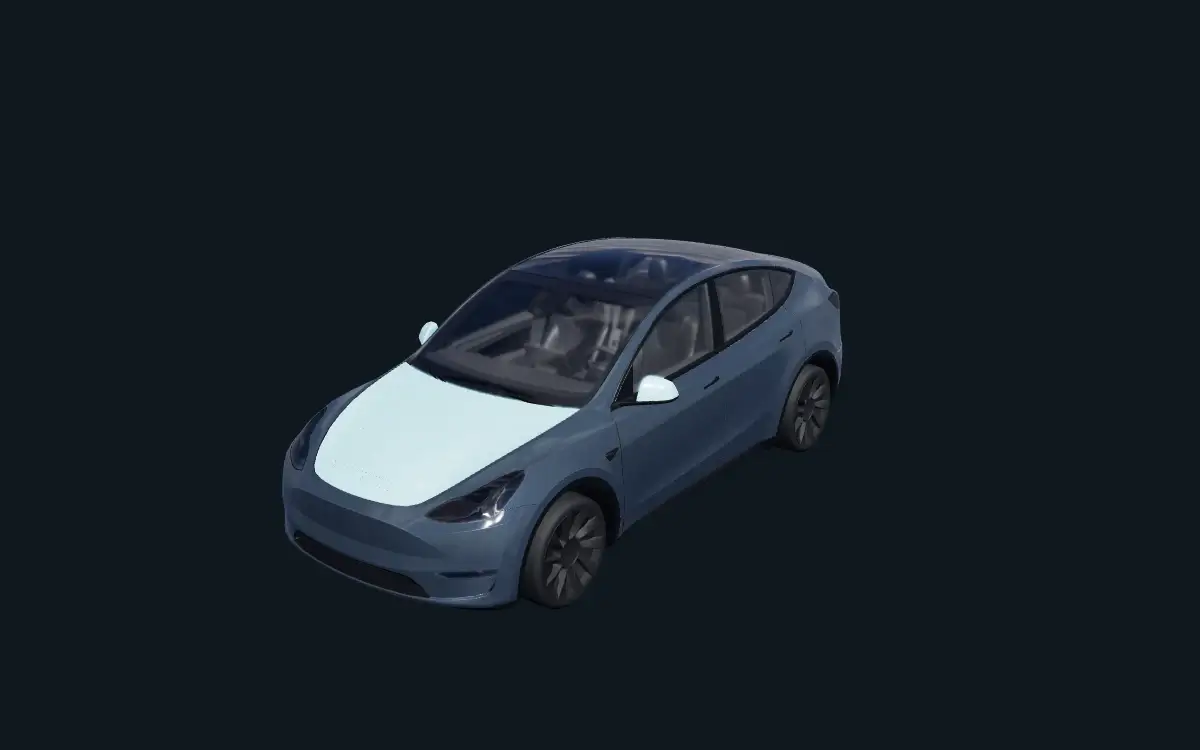
Slate Split
Slate Split pairs graphite panels with an ice-blue hood and mirrors on Model Y.
View previews, download or edit
Choose a digital design for your Model Y’s on-screen car. The original Model Y, the 2025+ refresh often called Juniper, and Model Y L have separate template entries. Match your variant before downloading or editing.
These PNGs change the vehicle visualization in supported Tesla software. They are not print-ready files for physical vinyl installation. Template availability does not guarantee support on your vehicle; check Paint Shop in your car.
Slate Split and Signal Stripes were authored for the original Model Y layout. They are not adapted for Model Y (2025+) or Model Y L. For those variants, start in the matching editor instead of reusing an original Model Y PNG.
Slate Split pairs graphite panels with an ice-blue hood and mirrors on Model Y.
View previews, download or edit
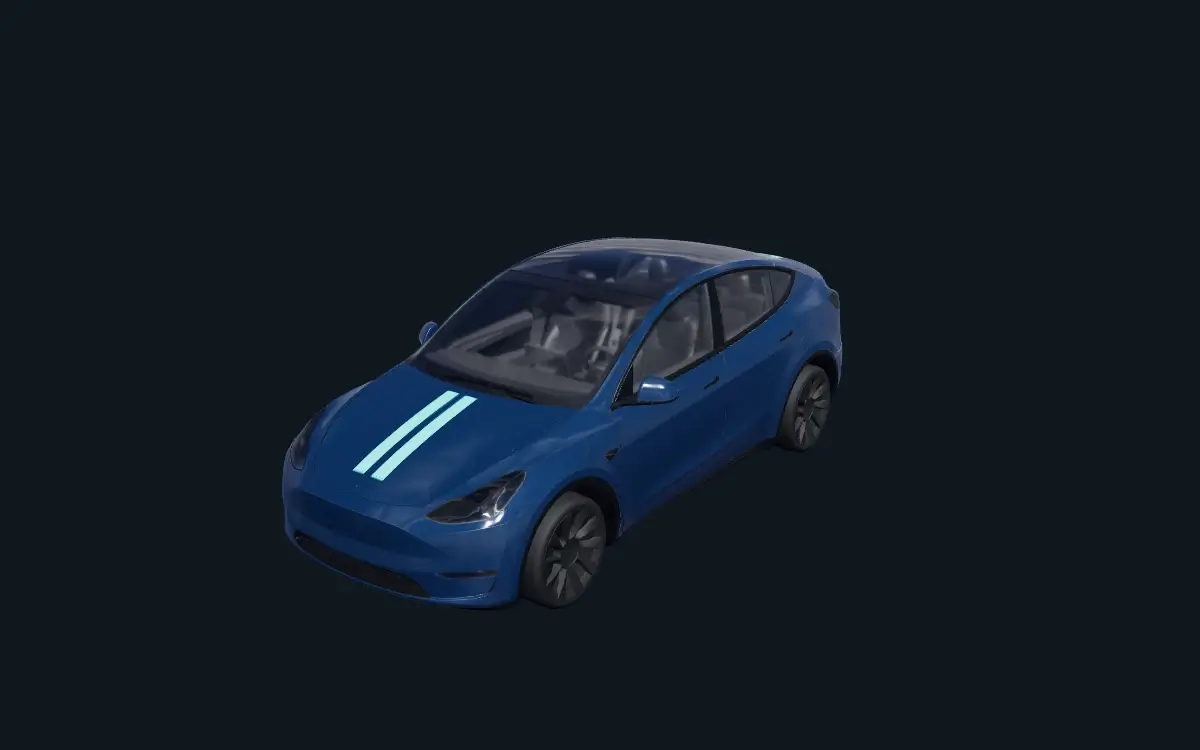
Signal Stripes places short cyan twin stripes on the hood and rear of a deep-blue Model Y.
View previews, download or edit
Slate Split uses an ice-blue hood and mirrors over graphite panels. Signal Stripes places short turquoise stripes on the hood and rear. Inspect the panel edges from the front, rear and both sides before exporting. These examples have been checked in the browser preview, not tested on a vehicle.
The editor uses a separate layout for each entry below. Compare the vehicle and trim before starting; resizing a PNG does not convert it to another layout.
Use this layout for the two editable designs below.
Separate refresh template; do not substitute the Premium or Performance layout.
Choose this editor when your vehicle matches the Premium variant.
Use the dedicated Performance layout rather than an original Model Y PNG.
A separate template entry, not an original Model Y or Juniper design.
Compare with Tesla’s official templates and file requirements. This is an independent tool, not an official Tesla service.