
MODEL Y / PAINT SHOP
Slate Split
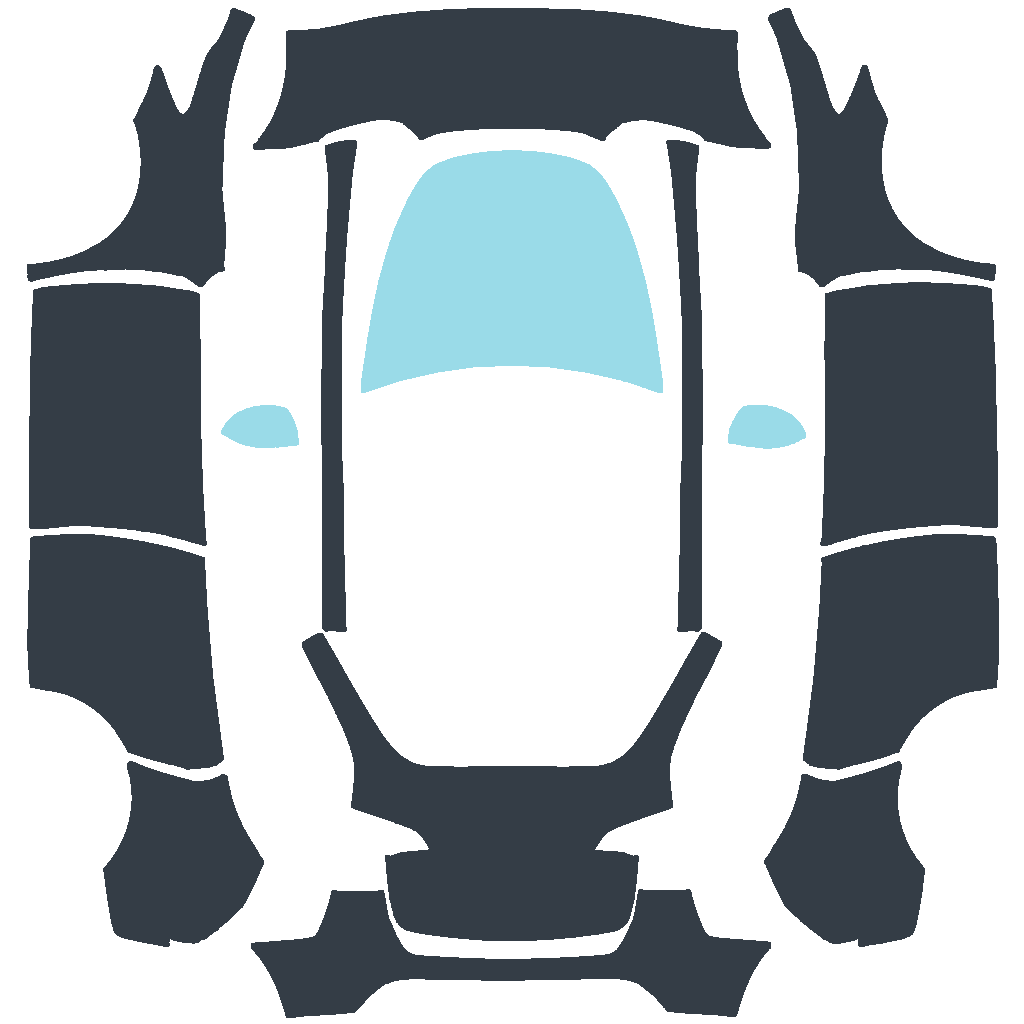
Slate Split gives Model Y graphite bodywork with an ice-blue bonnet and mirrors.
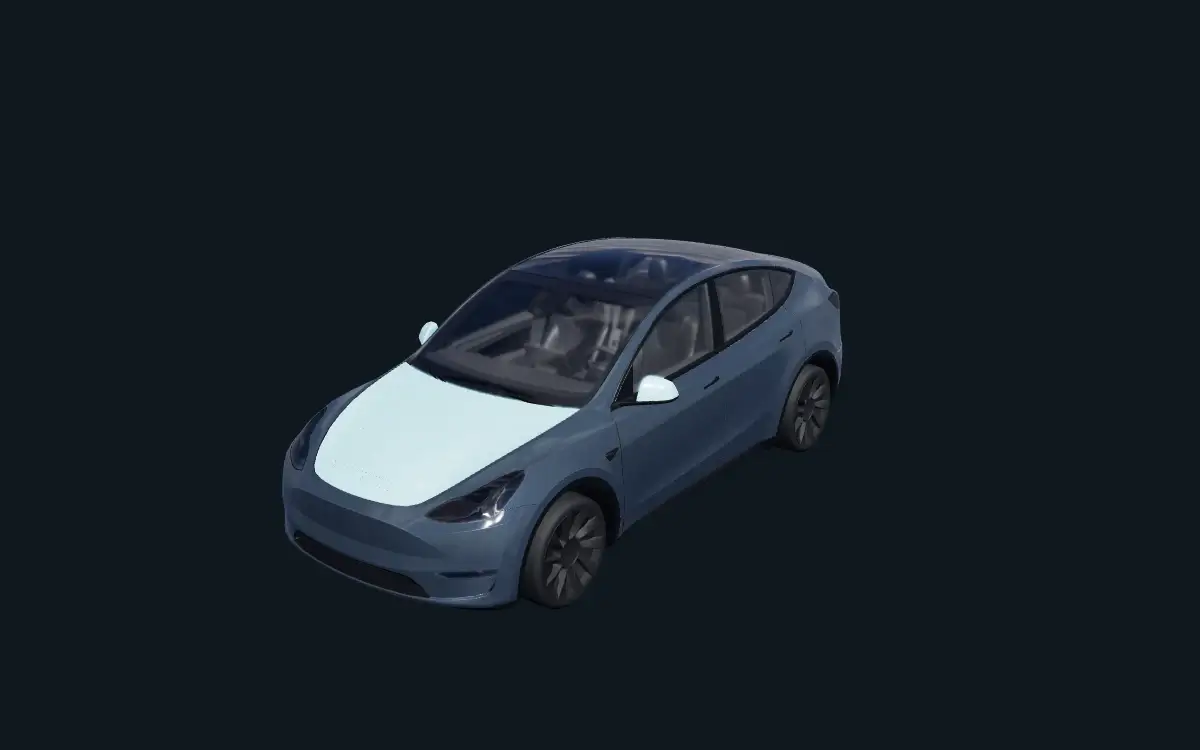
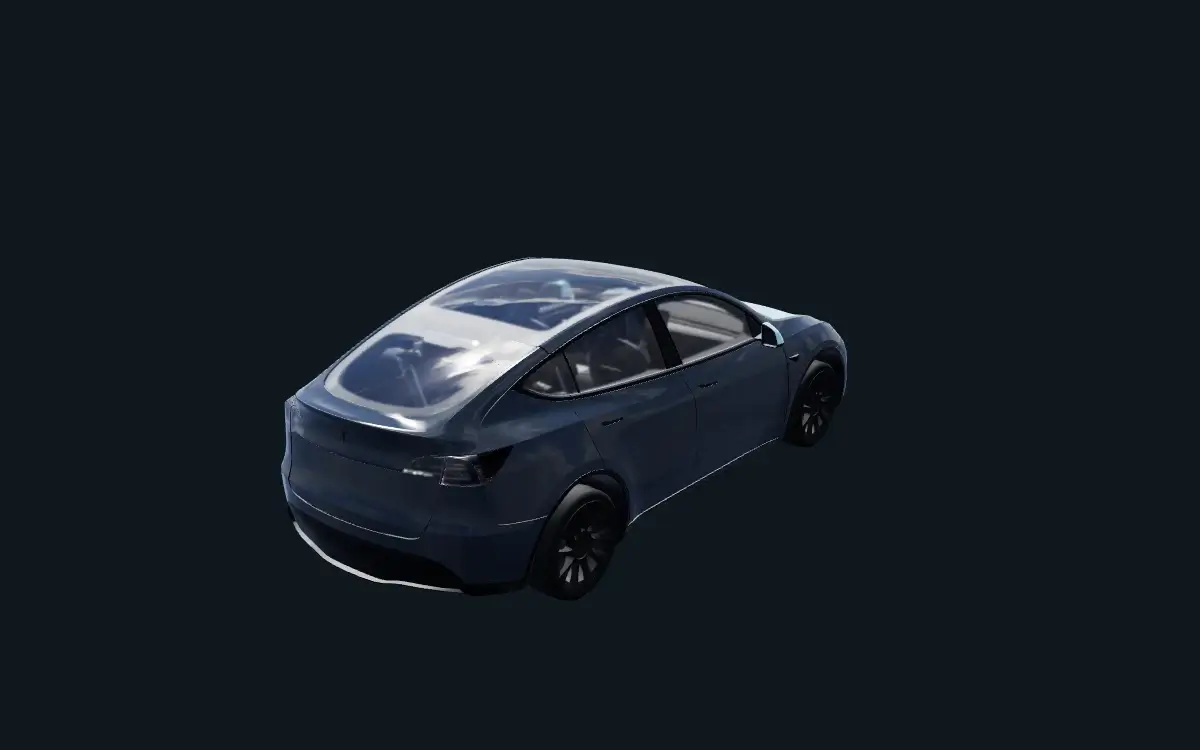
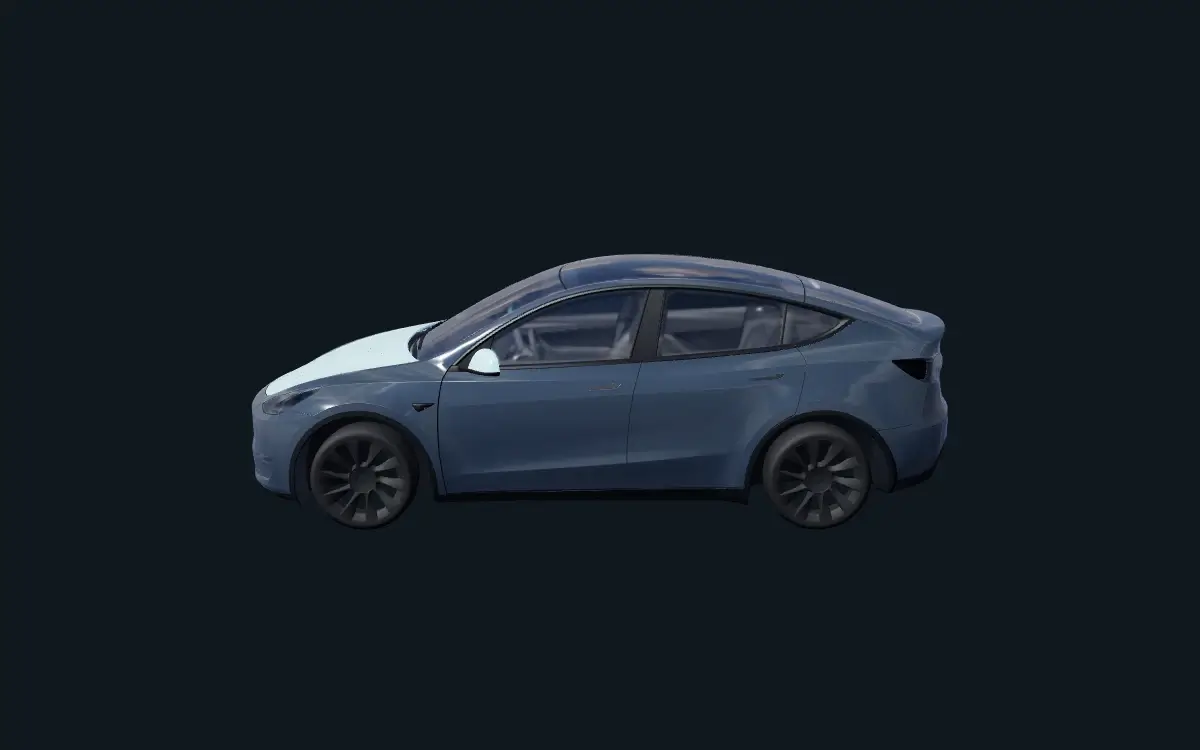
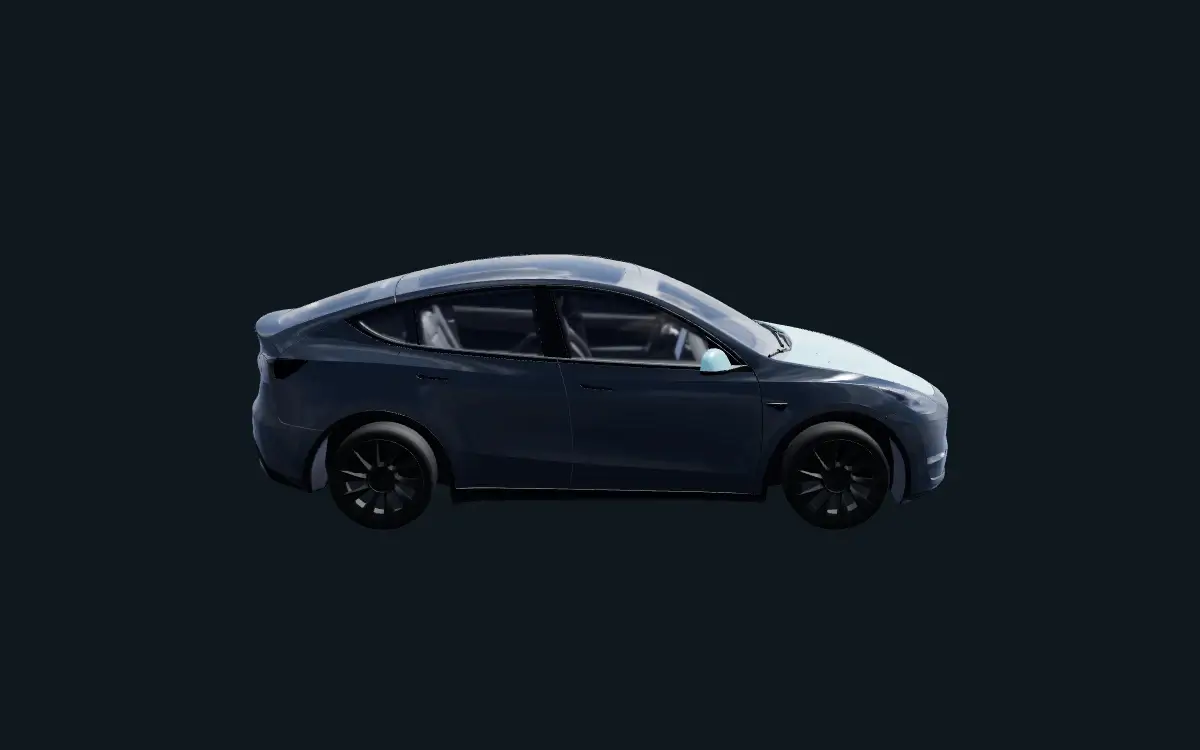
Match your vehicle
Model Y — original template, not 2025+ or Model Y L.
Make it your own
Adjust the body, bonnet and mirror colours separately in the editor.
File information
Checked in the browser's 3D preview. Not tested in a vehicle.
Which file goes into Paint Shop?
Use the PNG for your vehicle. Keep the JSON project to reopen and edit your design on this site.
Prepare your PNG
Use the template for your exact vehicle. Save a PNG at 512 × 512 to 1024 × 1024 pixels, no larger than 1 MB. Keep the filename within 30 characters using letters, numbers, spaces, underscores or dashes.
Import with the Tesla app or a USB drive
In Tesla app v4.59.0 or later, open Creations → Wrap → Upload and select your PNG (up to 10 images). Or use a USB drive formatted as exFAT, FAT32, MS-DOS FAT, ext3 or ext4; NTFS is not supported. Create a Wraps folder at the drive’s root, add up to 10 PNGs, and connect it to the vehicle. The drive must not contain map or firmware updates.
Apply in your vehicle
Open Toybox → Paint Shop → Wraps on the vehicle’s screen and select your design. If it does not appear, check the PNG requirements, USB format and Wraps folder location.