
Try Pack
Try AI with a few design ideas
$4.90
50 credits
5 AI generations
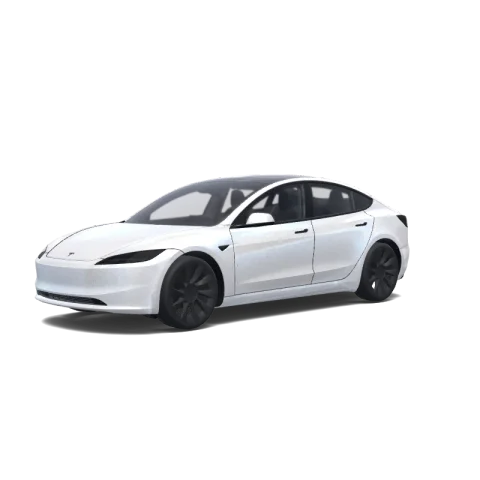
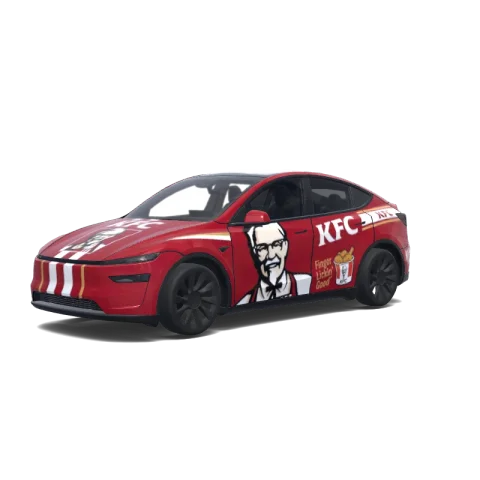
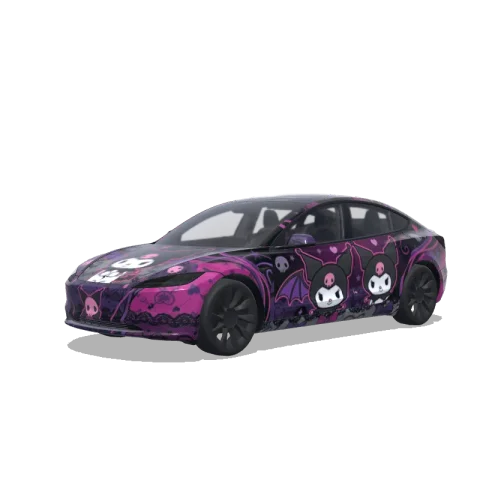
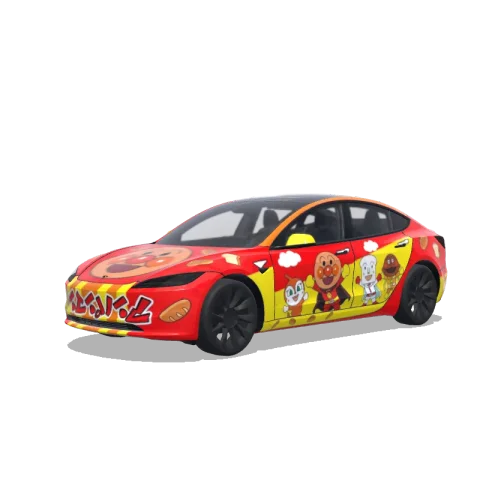
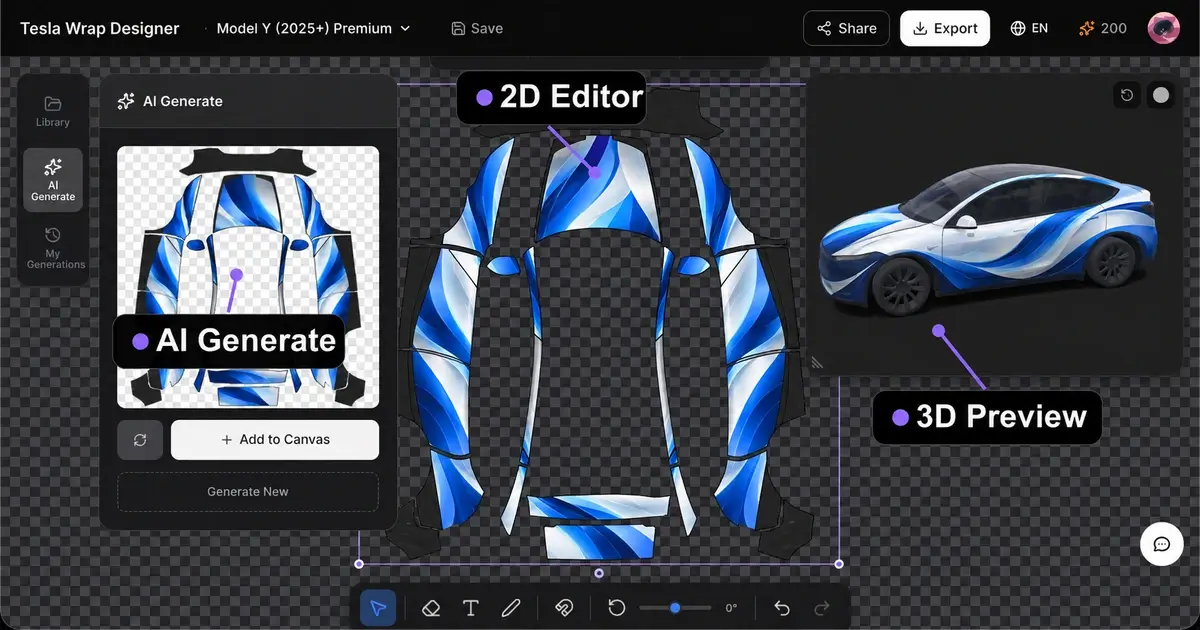
Find a design you love or create your own. Preview it in 3D, then download it for your Tesla’s on-screen car.
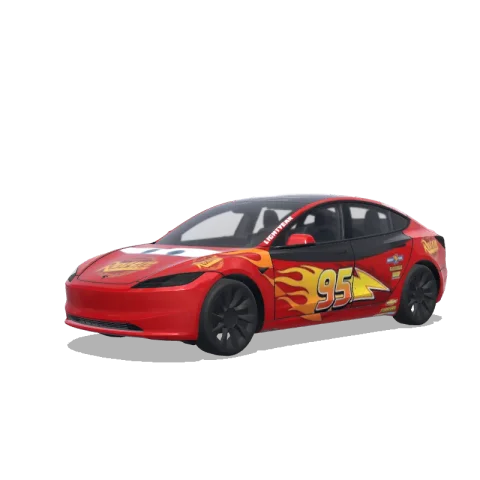
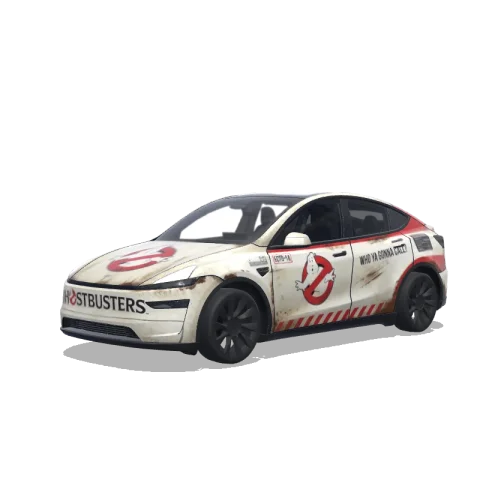
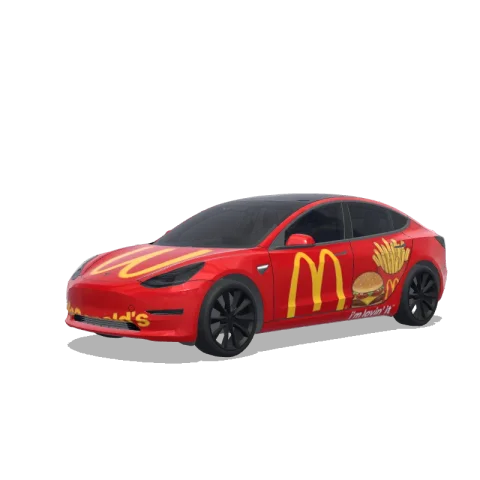
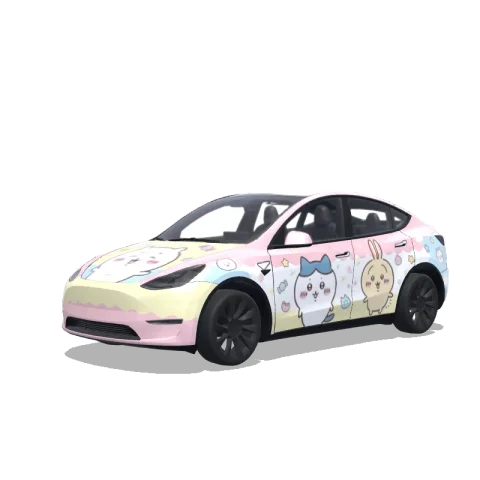
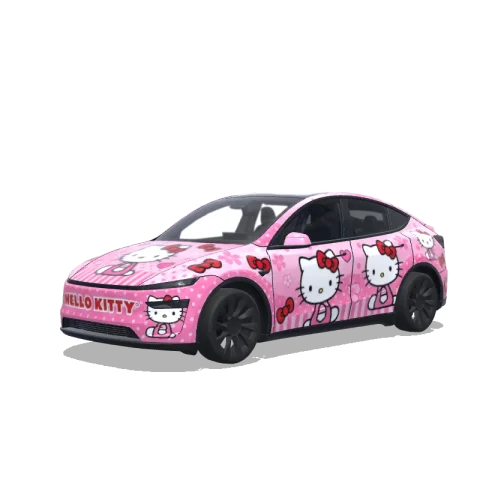
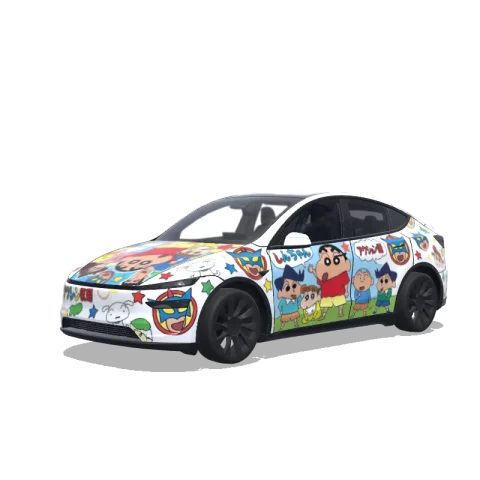
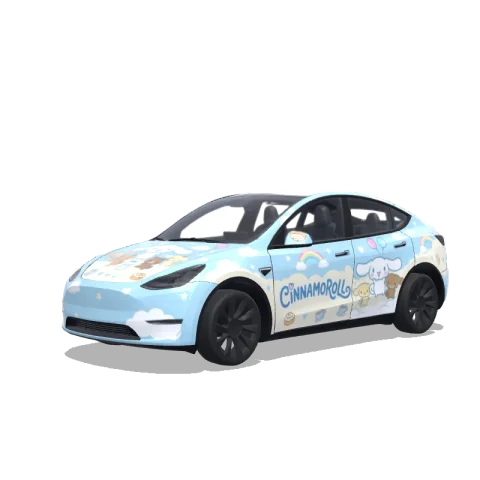
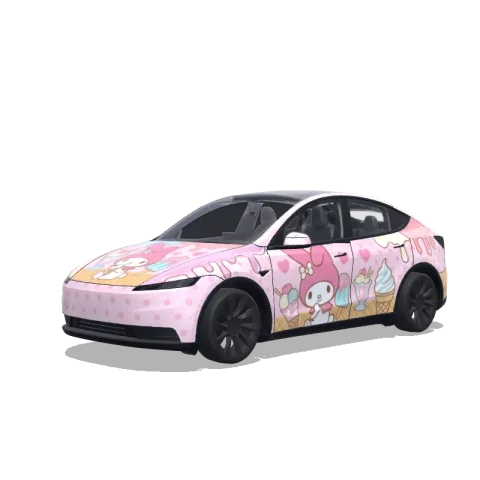
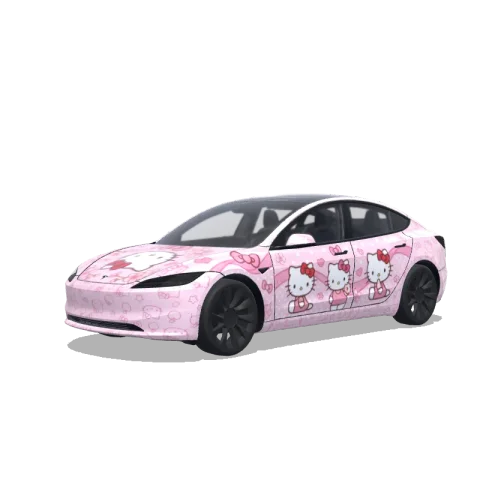
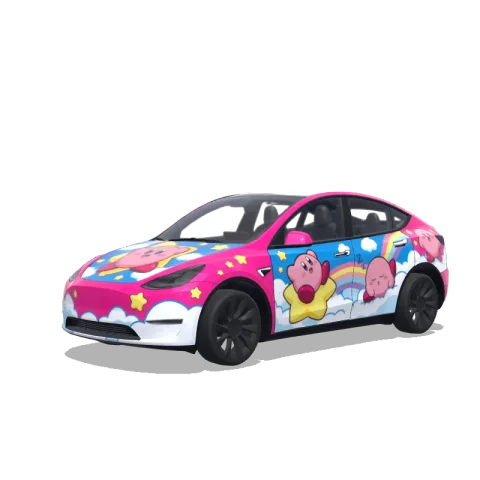
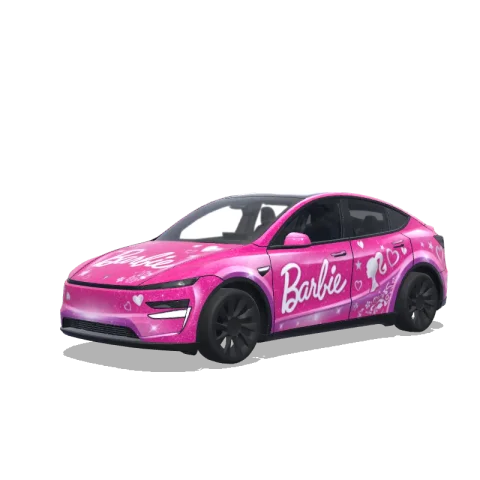
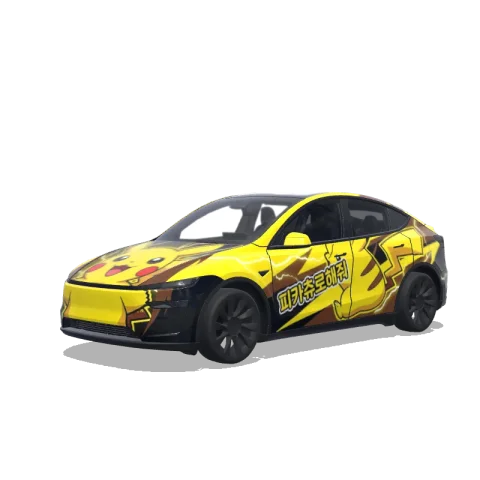
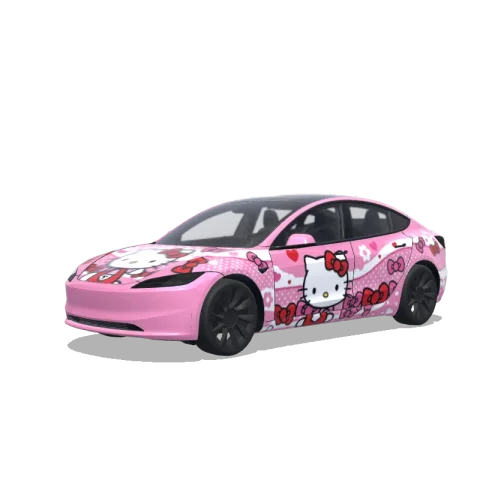
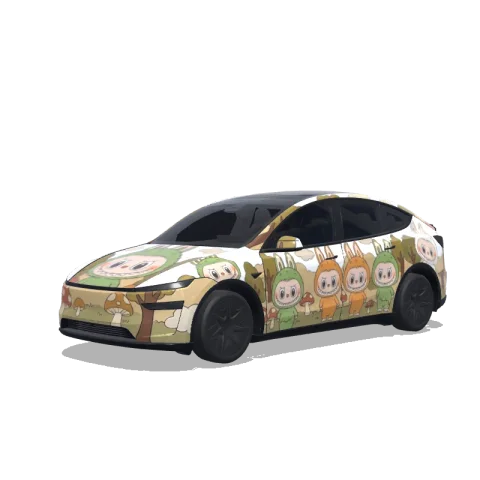
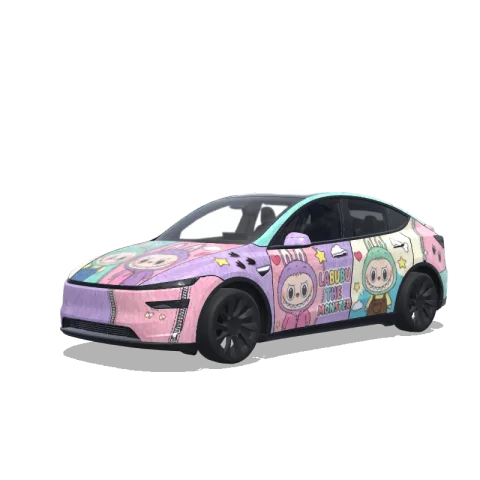
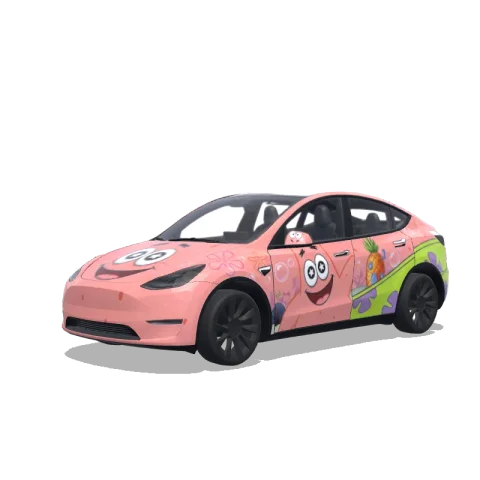
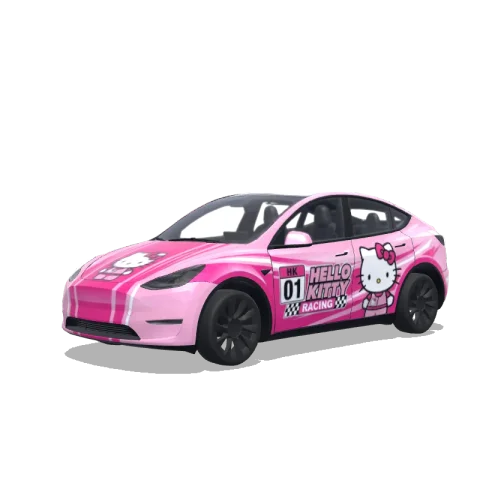
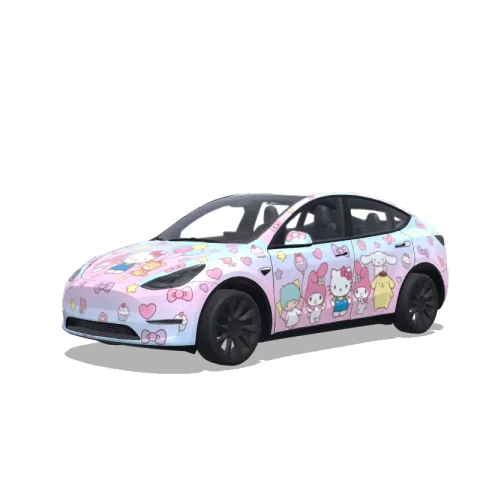
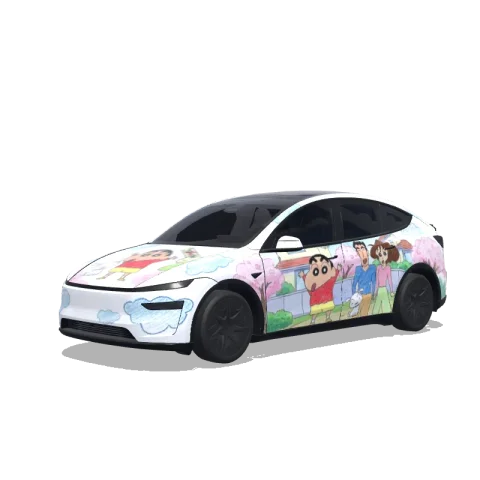
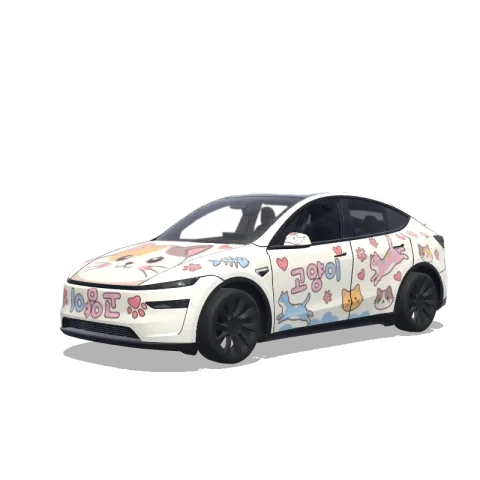
Not sure where to start? Browse community Tesla wraps, find colours and patterns you love, and take inspiration for your own look.
Add your favourite images, text and colours right in your browser. No extra design software to install.
Pick a Tesla wrap template for your model and see where each part of your design will go.
Your Tesla wrap artwork stays within the body panels, so you can focus on the look you want.
Turn the 3D car and try different colours before you decide which look to keep.
Edit your own design, preview it and download it for free. AI generation uses paid credits.
Download your Tesla wrap to keep a copy. Basic edits stay in your browser; AI and cloud saves send content to our services.
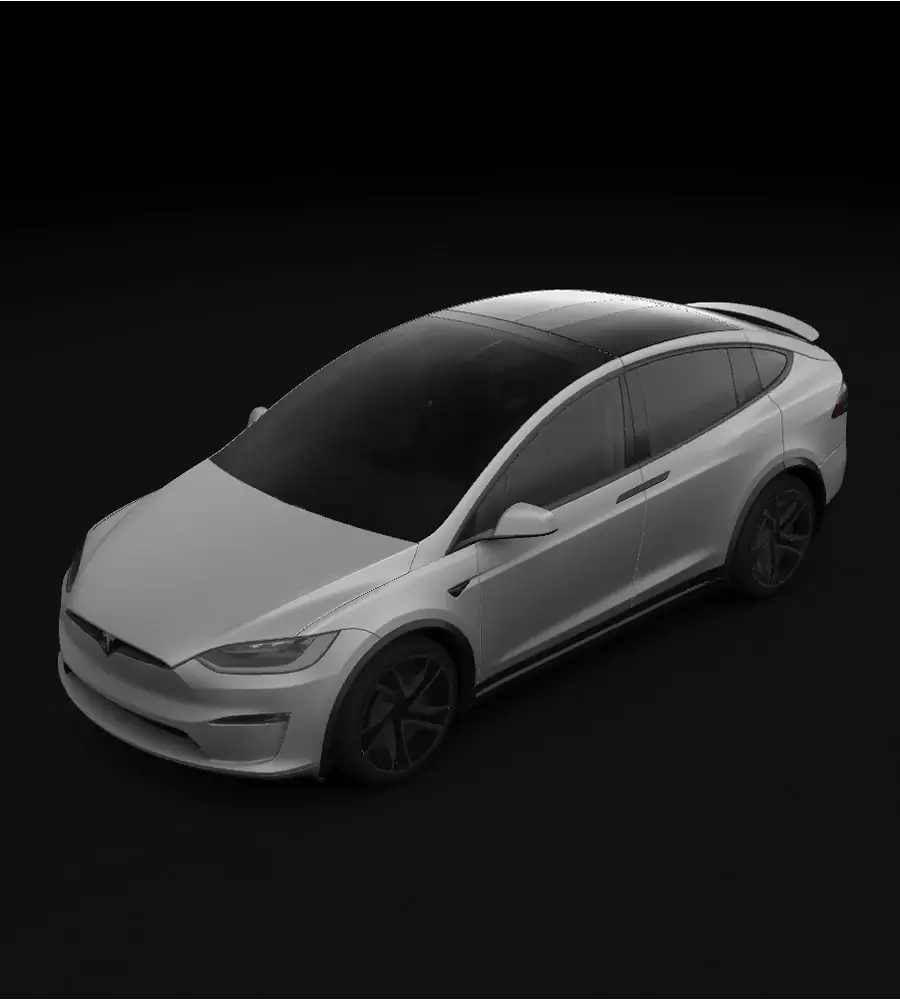
Start your Tesla wrap with the model you drive: Model Y, Model Y Juniper (2025+), Model 3 or Cybertruck. Pick its year and version below.
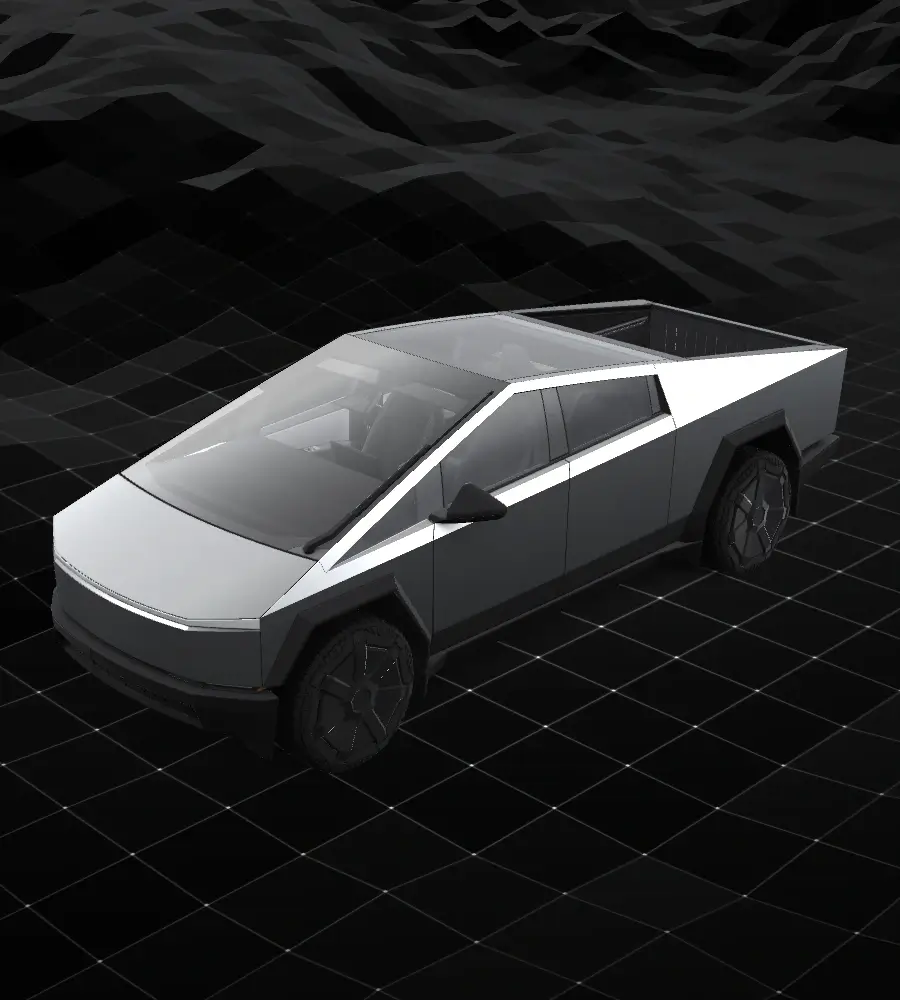
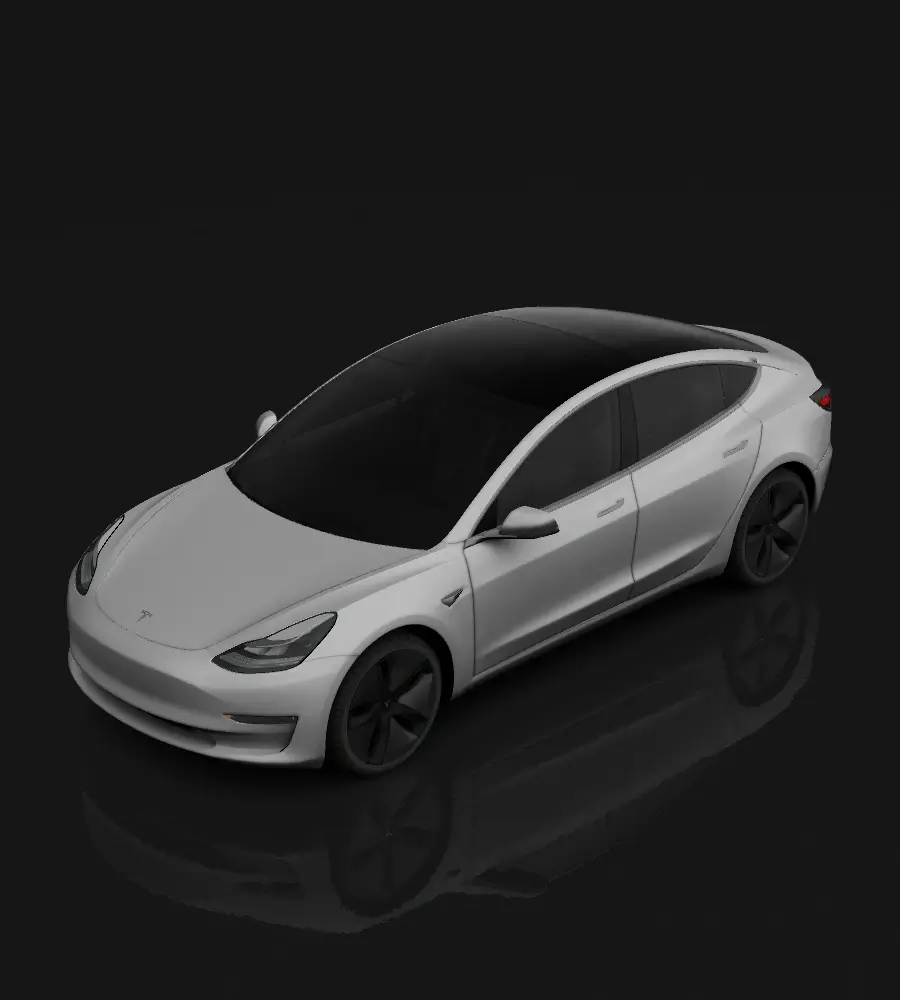
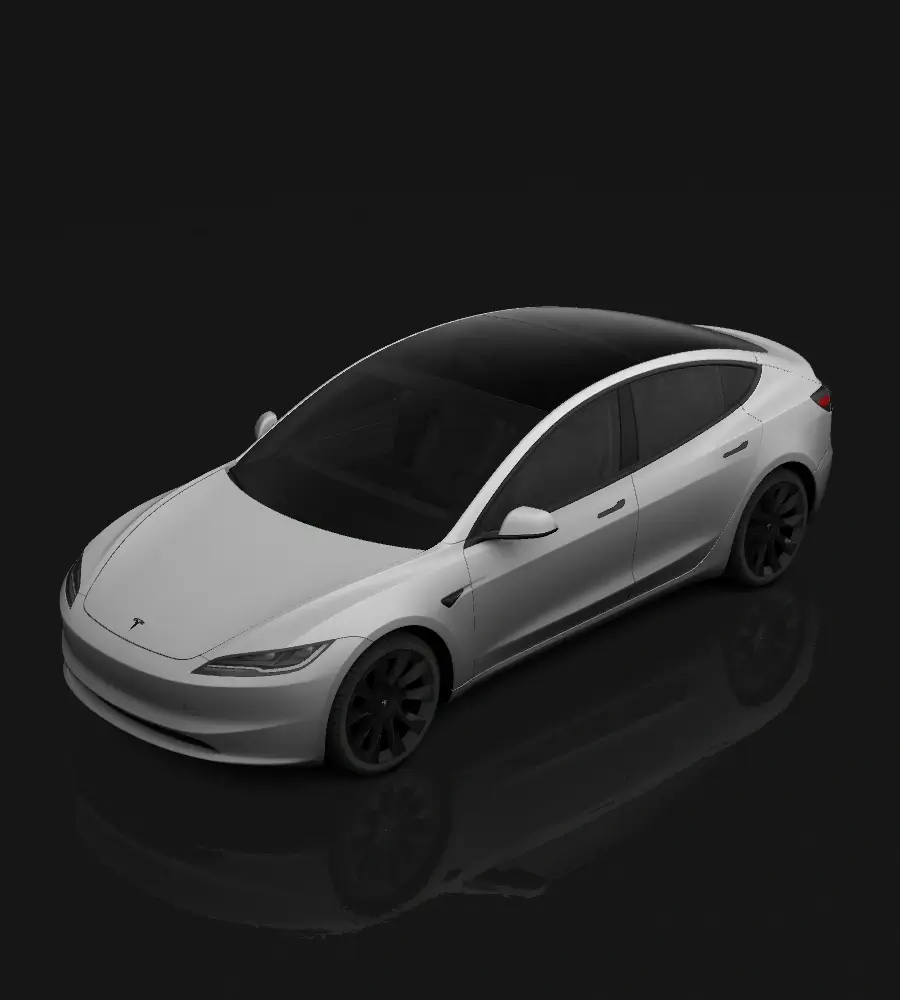
Standard & Premium
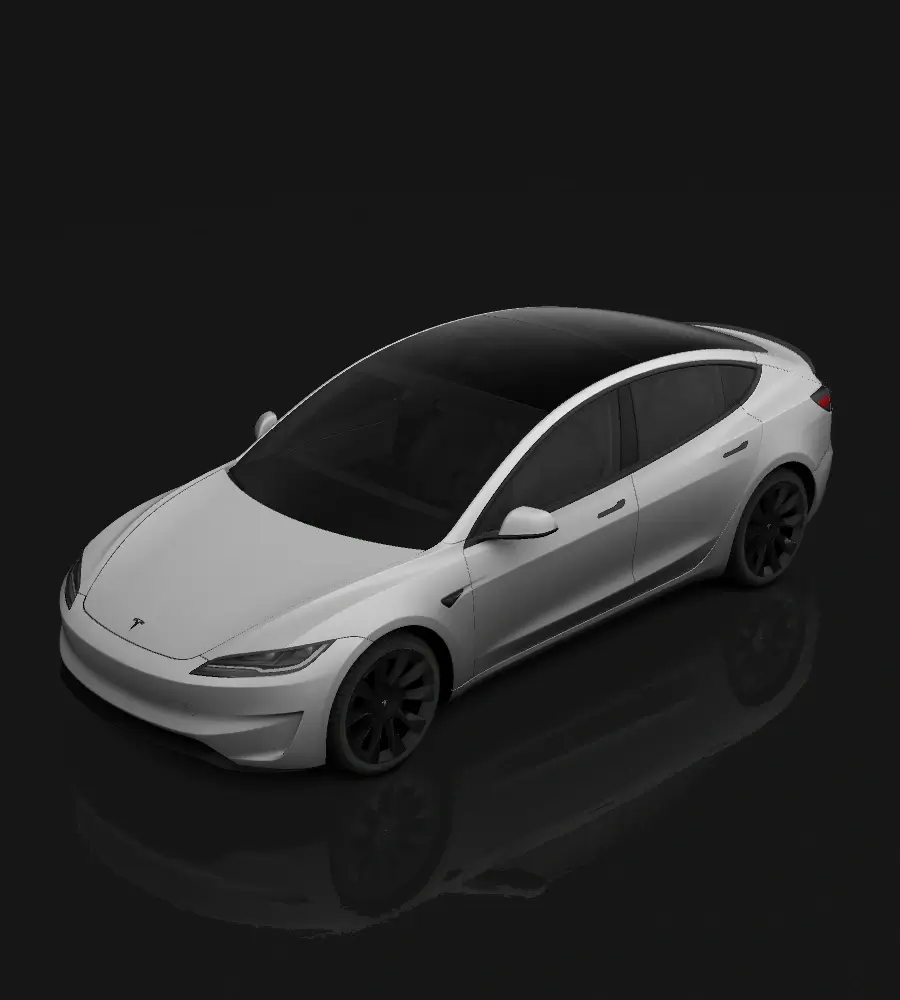
Performance
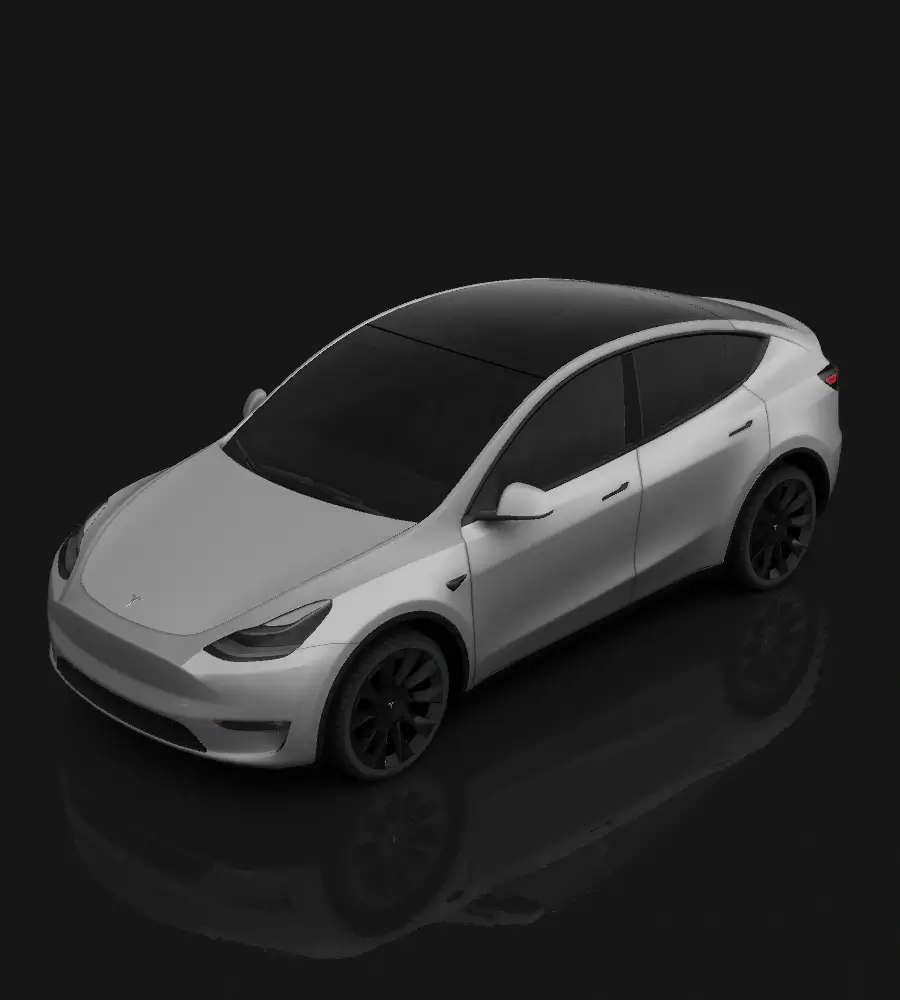
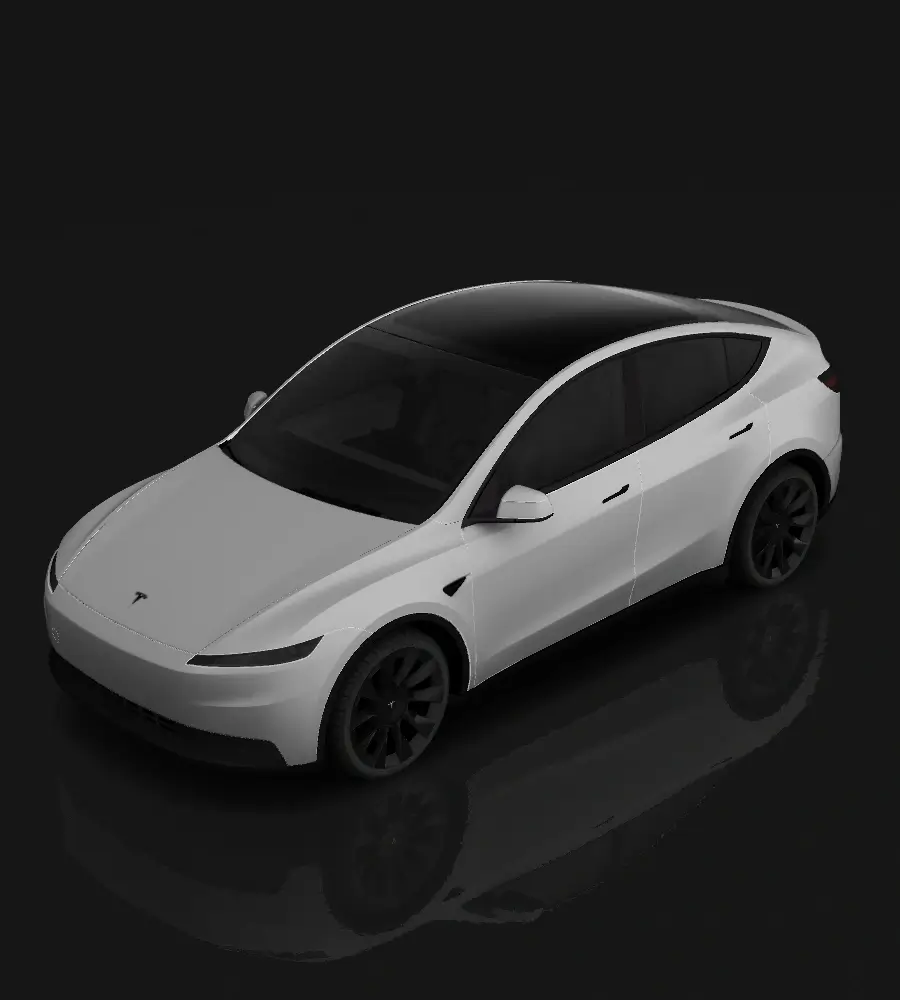
Standard
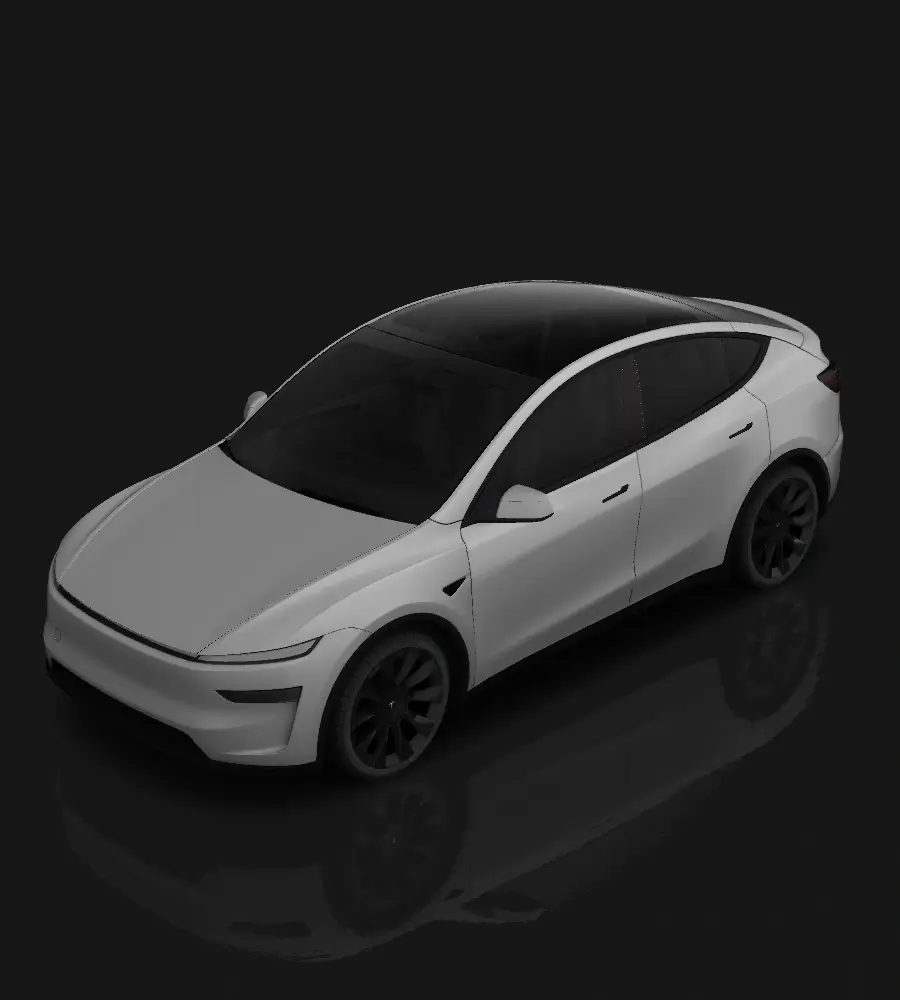
Premium
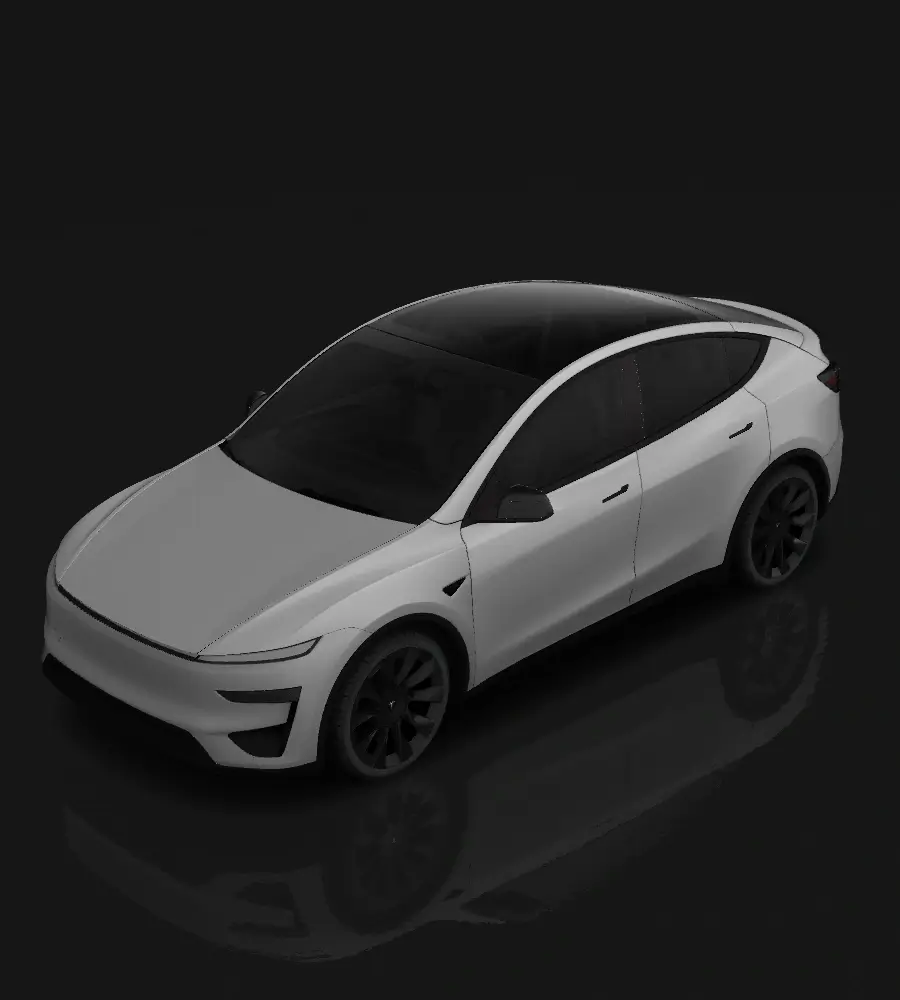
Performance
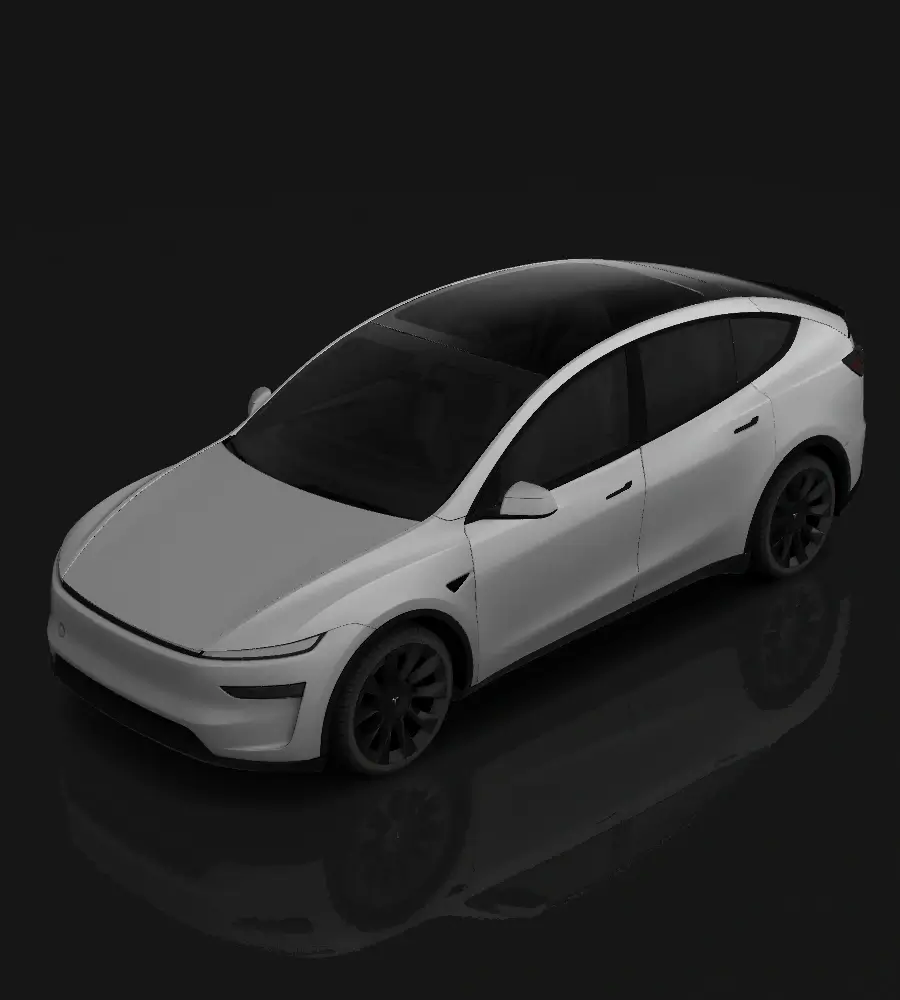
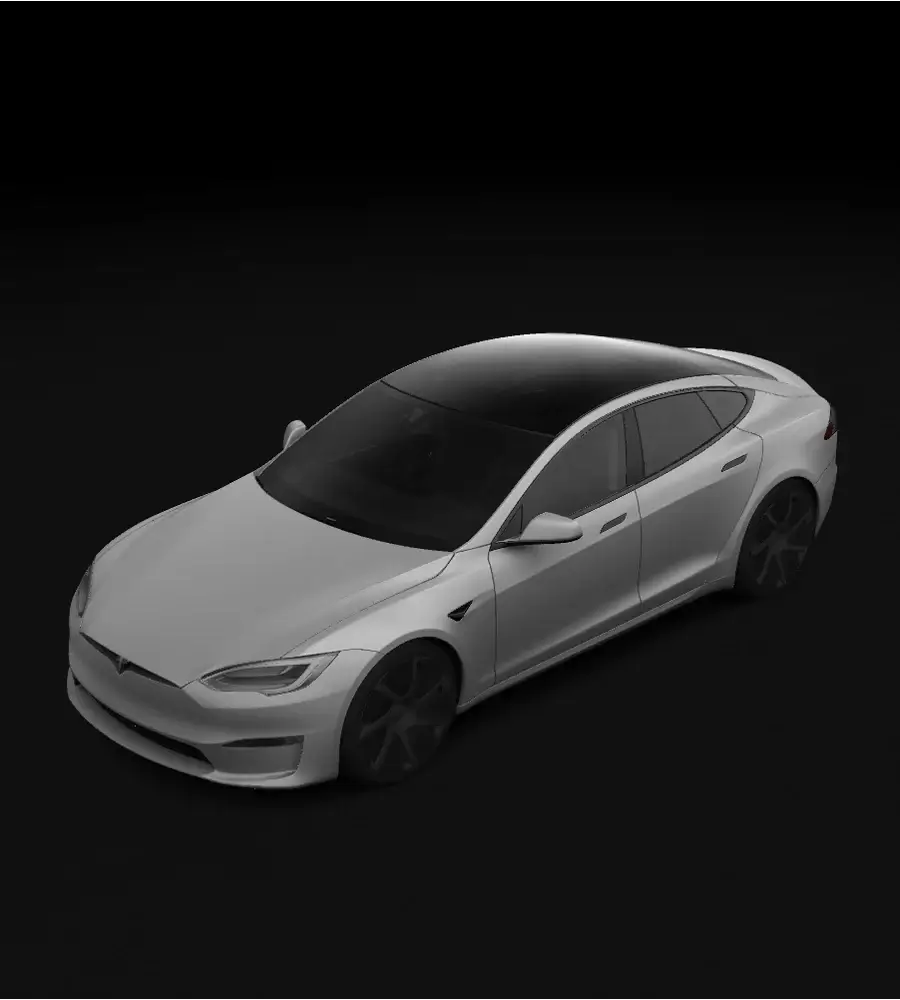
2021+
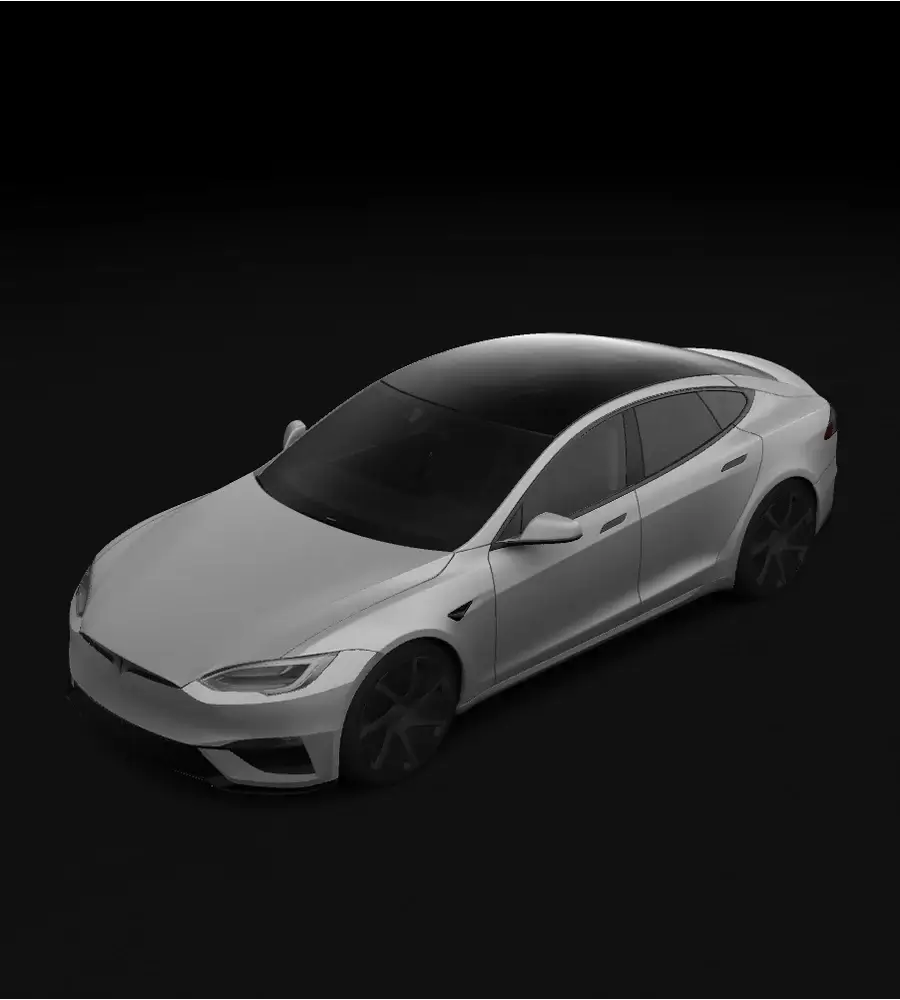
2025+ Plaid
2021+
Before you begin, check that your vehicle software supports custom wraps in Paint Shop, Tesla’s on-screen appearance settings.
Take your Tesla wrap from an idea to a look you can enjoy on your car’s screen.
Pick your model, year and version to open the right Tesla wrap template.
Add a photo, text or colours you like. Need a starting point? Describe a Tesla wrap and use credits to let AI create an image.
Save your Tesla wrap as a PNG image. Check the file size below before adding it to your car.
Use the Tesla app or a USB drive to load your image, then choose it in Paint Shop on your touchscreen.
Describe the look you want and let AI create a starting image for your Tesla wrap. Compare credit packs below; manual editing and downloads are free.
Try AI with a few design ideas
$4.90
50 credits
5 AI generations
Explore a few different looks
$9.90
200 credits+20 bonus
20 AI generations
More room to try new ideas
$19.90
500 credits+50 bonus
50 AI generations
Check these details before adding your Tesla wrap to the car. Your download may need compressing to meet the 1 MB limit.
Use Tesla app v4.59.0 or later: Creations → Wrap → Upload. For USB, put the PNG in a root folder named Wraps. Then open Toybox → Paint Shop → Wraps in your car.
Digital Tesla wraps change only the car shown on your screen. Your real paint stays the same. Choose a model above to try a look.
Use the model list above and match your car’s year and version. Model Y Juniper uses a Model Y (2025+) option. Your vehicle software must support custom wraps in Paint Shop.
Download your Tesla wrap image and follow the app or USB steps above. You’ll need Tesla app v4.59.0+ for app uploads. This website does not send files directly to your car.
Yes. Create your own design, view it in 3D and download it for free. AI generation requires an account and paid credits. Choose your model above to start.
Tesla Wrap Pro is an independent gallery and design tool, not affiliated with Tesla, Inc. You can browse the gallery or choose your model to start a design.
Your favourite colours. Your own images. Tesla wraps that feel like you. Choose your model and start designing for free.
Start Your Tesla Wrap